01
Audio deleted
The recording is deleted once it is transcribed. The transcript and the note stay in your account.

The chairside note, written before the next patient sits down.
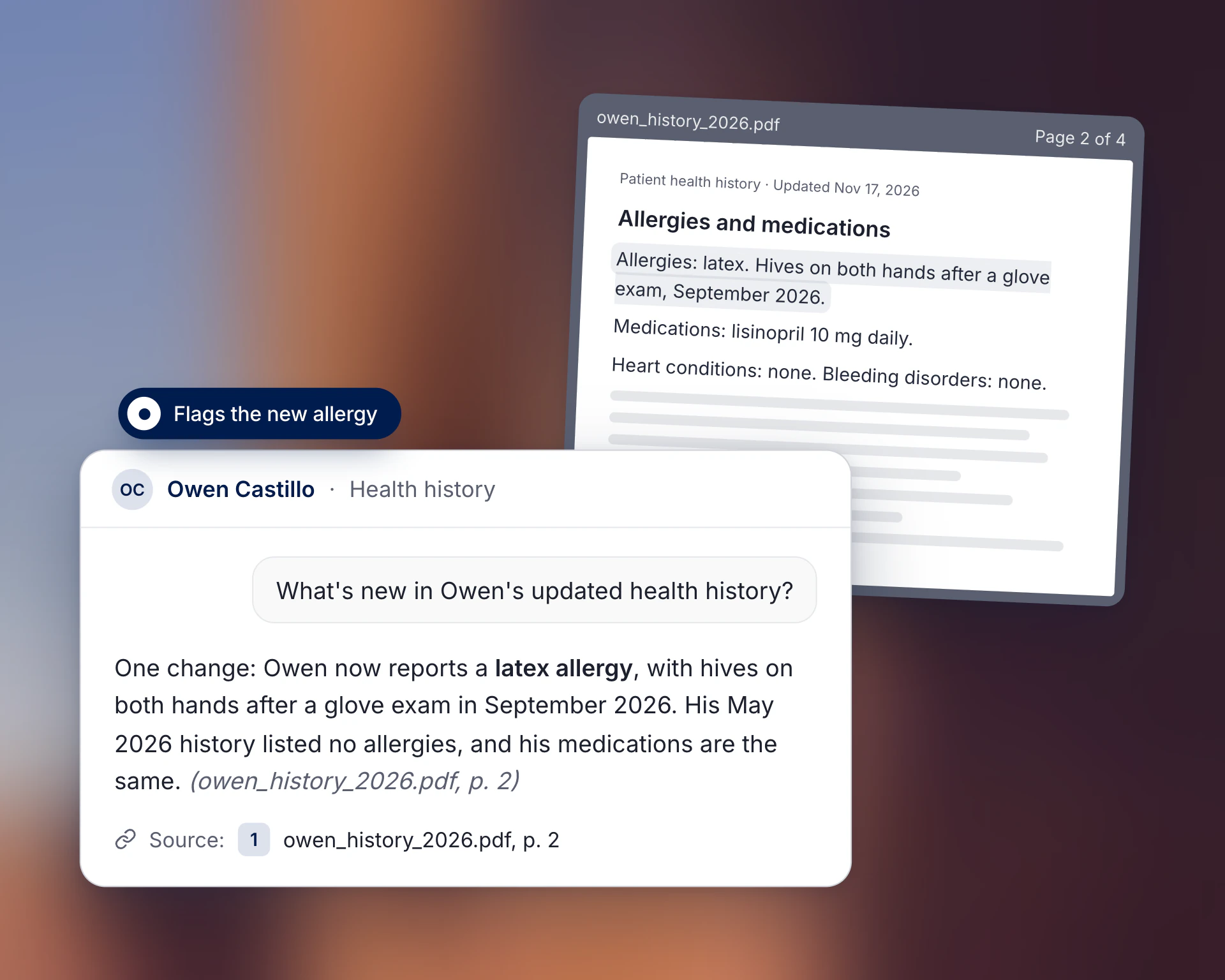
ClinicFrame reads the updated medical history before the appointment, then writes the clinical note from the visit or from your dictation between chairs.
Free plan. No credit card.
ClinicFrame is an AI scribe that writes the dental note from what you say chairside. Tooth numbers, materials, and anesthetic go in as spoken. This synthetic restoration was dictated between chairs.
Synthetic example. Not a real patient.
Call the readings out as you probe and keep both hands on the instruments. ClinicFrame writes them into the note as text.
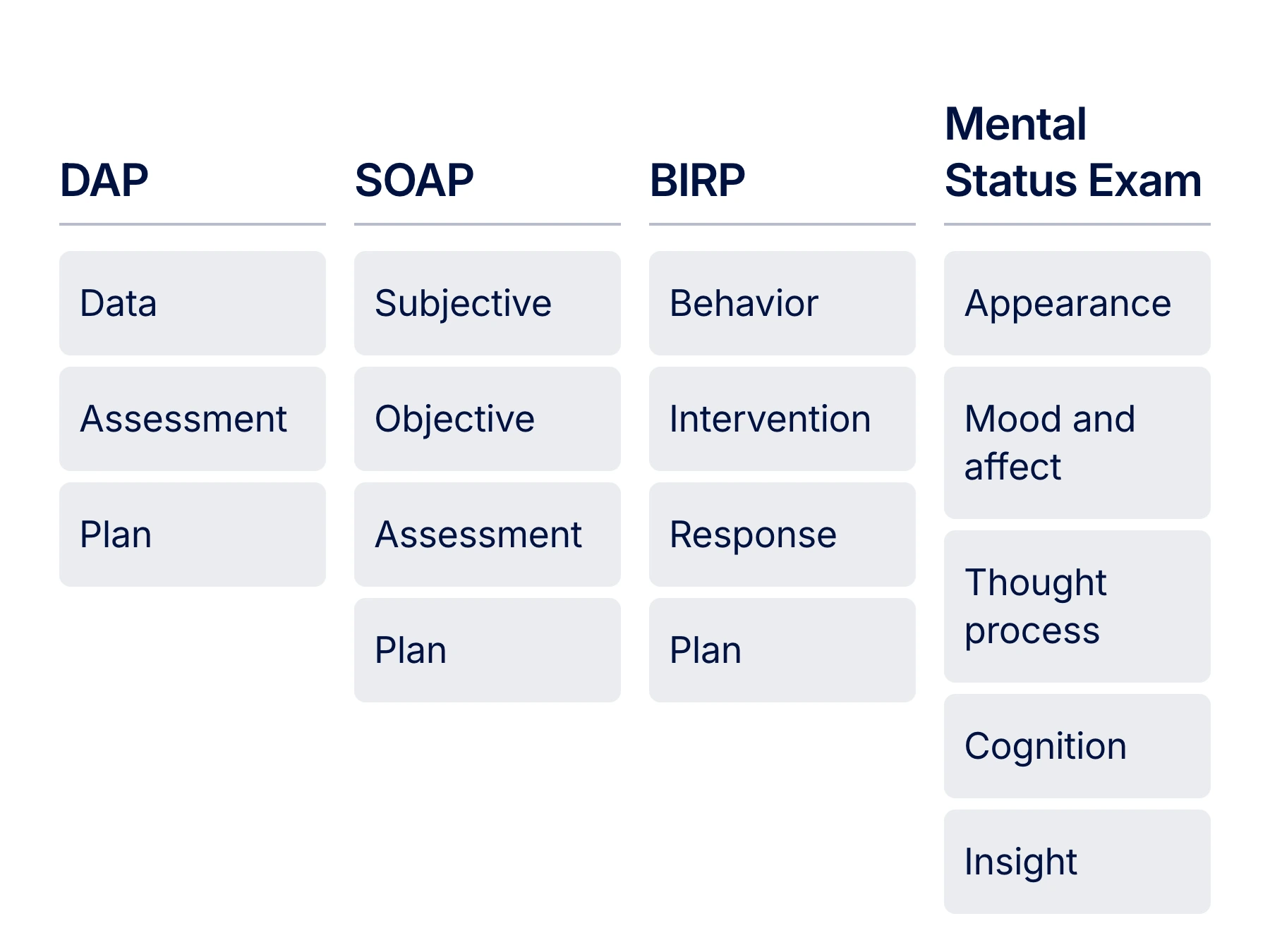
In your template, add a periodontal section and tell it how to list readings, for example by tooth with bleeding points marked.
Record the exam, or dictate after it. Say each tooth, the six depths, and where it bled.
Compare the list with what you probed before you sign. For the basics, read our guide to dental charting.
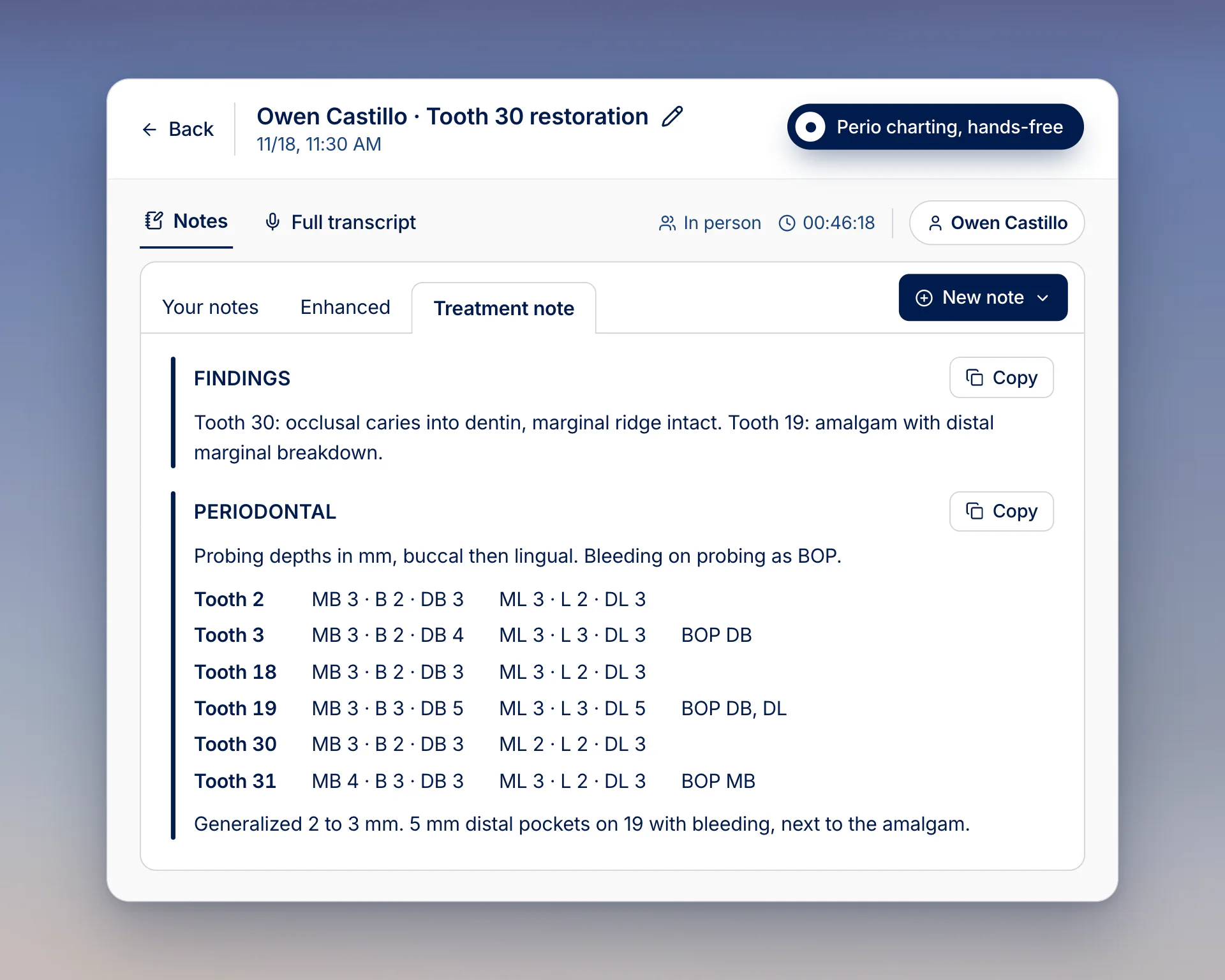
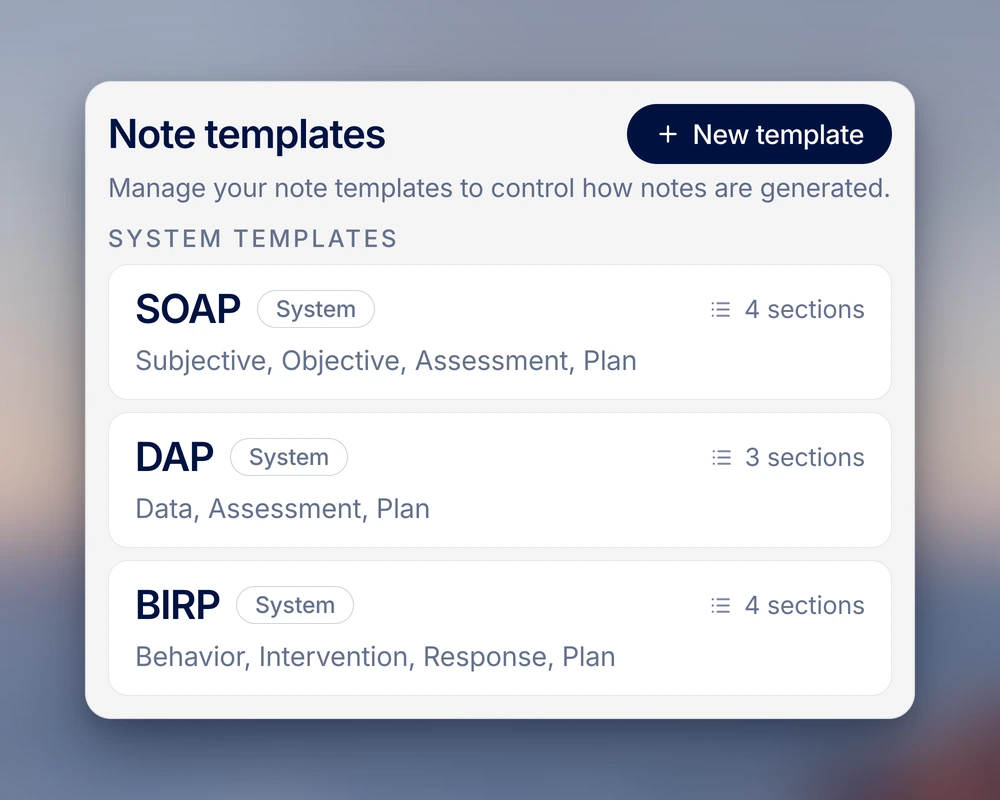
Keep the format your practice already charts in.
Want the classic layout on paper? Our SOAP note template is free to download.
Dictate Anywhere
In the desktop app for Mac and Windows, hold the Dictate key, speak, and let go. The words land wherever your cursor is.
It types text, with no integration behind it. Double-tap the key to dictate hands-free.
ClinicFrame signs a Business Associate Agreement with every account, Free included. A solo dentist gets one without a group contract.
The recording is deleted once it is transcribed. The transcript and the note stay in your account.
ClinicFrame does not use patient content to train AI models.
Notes and transcripts are encrypted in transit and at rest.
Read how ClinicFrame protects patient dataHow we protect patient data →
After the note
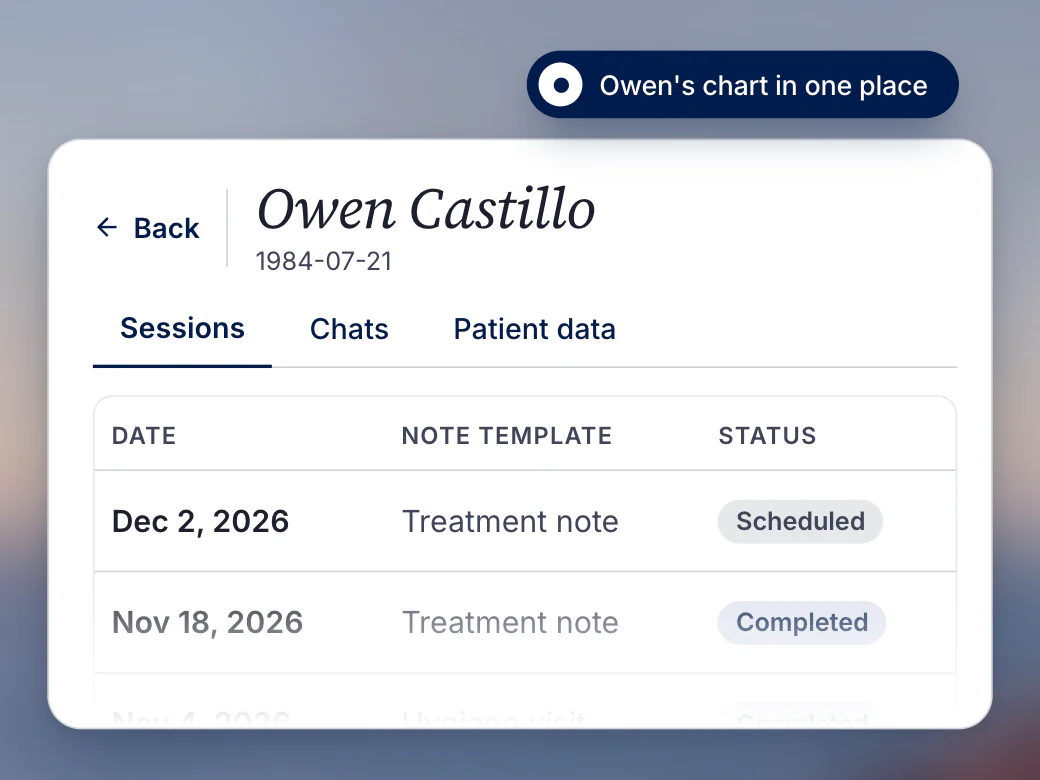
Each appointment note lands on the patient's page, next to the health history and the x-ray report you uploaded. Ask a question about the patient and the answer names the file it came from.
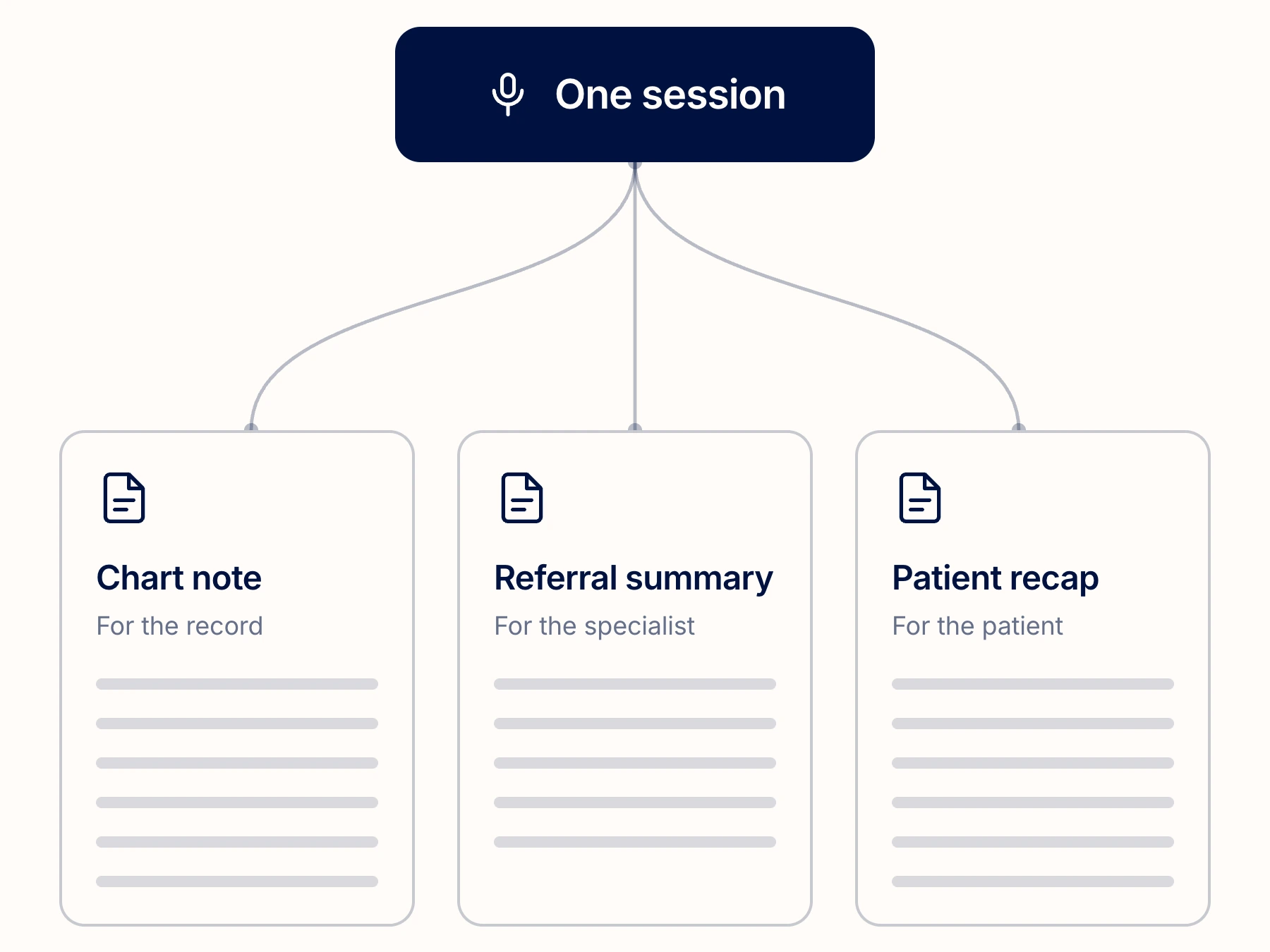
From the same notes, ClinicFrame drafts the referral to the oral surgeon or periodontist as a Word file, with gaps marked for you. More on our page about AI for dentists.
Short answers for dentists and hygienists about perio, software, and audio.
Yes. Add a periodontal section to your template, dictate the depths and bleeding points as you probe, and the note lists them by tooth. You can also ask the AI Assistant by voice to put the perio chart together from your readings. Check every reading before you sign.
It works next to it, with no integration. Copy the finished note into your practice software or export a PDF. In the desktop app, Dictate Anywhere types what you say into the field your cursor is in, in any program on your computer.
Yes. Each hygienist records or dictates their own appointments and gets notes in their own template. A practice can put dentists and hygienists on one team account, billed per seat, with one BAA.
The recording is deleted once it is transcribed. The transcript and the note stay in your account, encrypted in transit and at rest. ClinicFrame does not use patient content to train AI models.
Free plan, no credit card, signed BAA included.
Updated