001
Capture the visit
In person, ClinicFrame listens through your microphone. On telehealth, the desktop app for Mac and Windows captures your computer’s audio and the web app captures a shared Chrome or Edge tab. No meeting bot joins.

Your notes aren’t supposed to follow you home.ClinicFrame finishes them before you leave.
ClinicFrame is ambient AI medical scribe software that fits into your day. It writes the note in your format, never loses a session, and the support comes from the people who build it.
Free plan. No credit card needed.
“My last patient of the day used to mean two more hours of notes. Now I leave when they leave.”
 Marisol Vega, MDFamily medicine, community clinic
“I do not record my patients. I talk the visit through after, and the note is done just as fast.”
 Dana Whitfield, LCSWOutpatient behavioral health
“I used to rewrite every note into my own structure before signing. That step is just gone.”
 Beatrice Kowalski, PsyDClinical psychology, private practice
“I write in six different systems a day. I do not type in any of them anymore.”
 Amir Haddad, MDRheumatology
“With ClinicFrame, I can follow the conversation without stopping to type every detail. I review the draft note after the visit.”
 Dr. Emily CarterFamily medicine
“I used to sit down after clinic and reconstruct each visit from memory. Having a draft ready to review makes that part of my day easier.”
 Dr. James BennettInternal medicine
“In psychiatry, pauses matter. ClinicFrame helps me stay with the conversation instead of filling those moments with typing.”
 Dr. Sarah MitchellPsychiatry
“Visits with children often involve several people talking at once. Having a draft to work from helps me organize the note afterward.”
 Dr. Michael FosterPediatrics
“I still review and edit every note. ClinicFrame gives me a starting point, which makes documentation more manageable between appointments.”
 Dr. Rachel EvansPhysical medicine and rehabilitation
“What I appreciate most is having less writing left at the end of clinic. I can review notes while the visits are still fresh.”
 Dr. Daniel BrooksCardiology
Be with your patient.We take the notes.
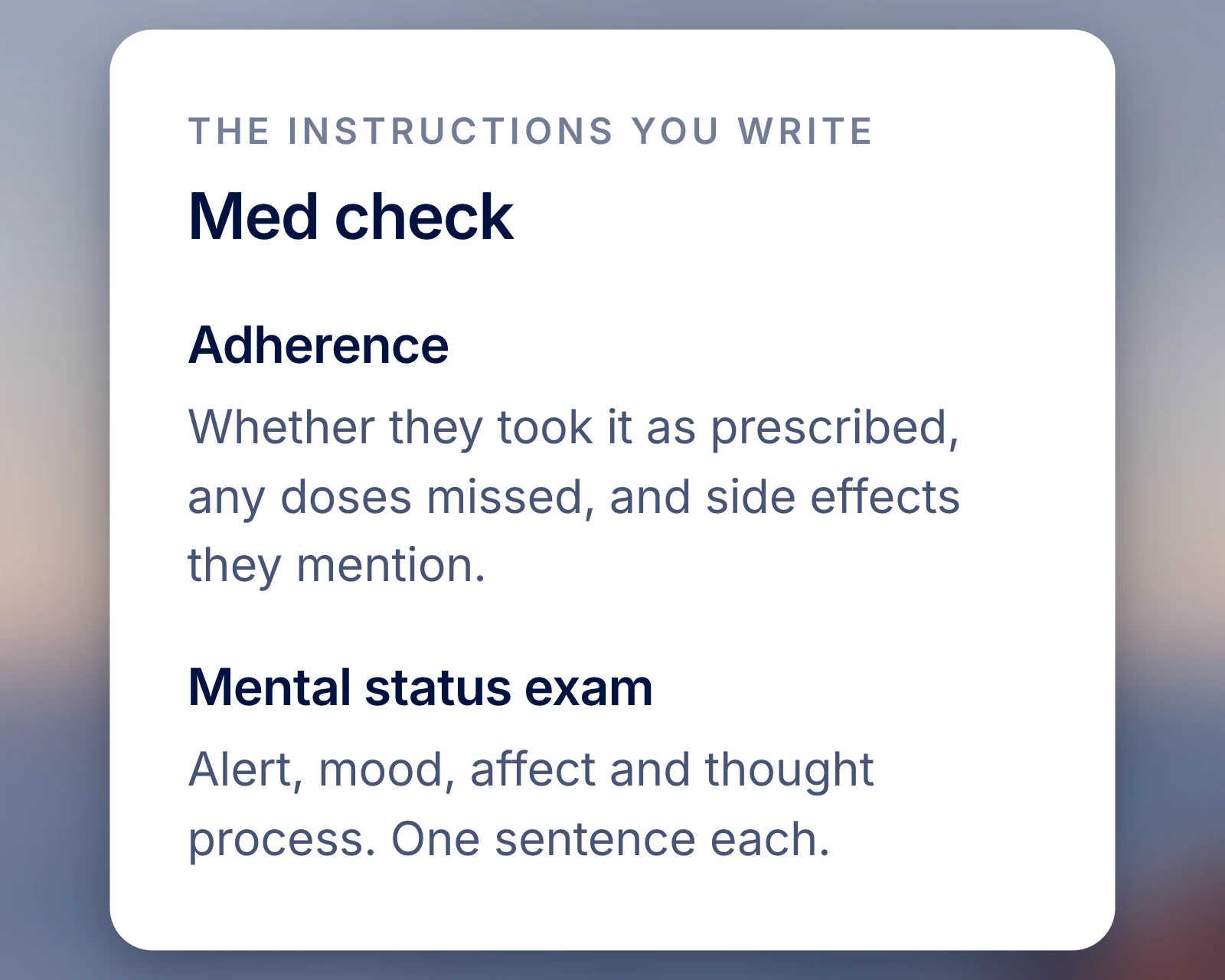
ClinicFrame is an ambient AI medical scribe with medical transcription built in. It listens to the visit and writes a complete clinical note in real time, as a SOAP, DAP, or BIRP note or in your own template.
ClinicFrame’s AI scribe runs in your browser or in the AI scribe app for Mac and Windows.
In person, ClinicFrame listens through your microphone. On telehealth, the desktop app for Mac and Windows captures your computer’s audio and the web app captures a shared Chrome or Edge tab. No meeting bot joins.
The transcript appears as you talk. If the connection drops, ClinicFrame keeps recording for up to 2 minutes and reconnects on its own.
A draft in SOAP, DAP, BIRP, or your own template is ready in under 30 seconds after the session ends. Review and edit it, then copy it into your EHR or export a PDF.
Record the conversation, narrate once the patient leaves, type by voice into another app, or set the format the note comes back in.
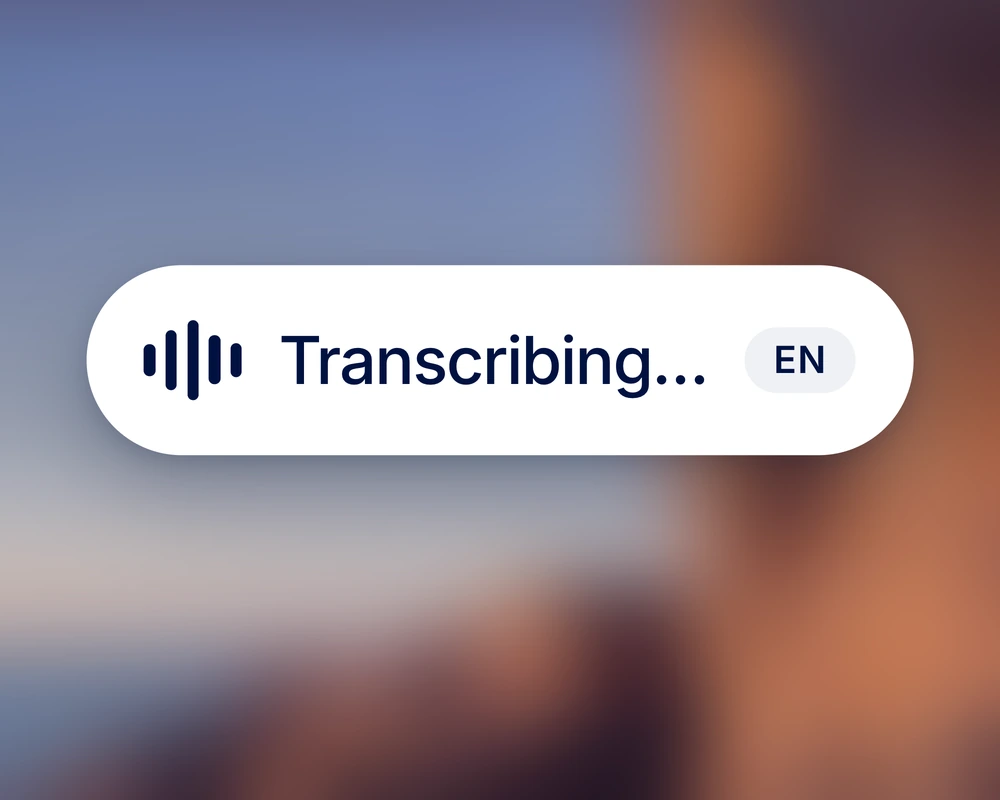
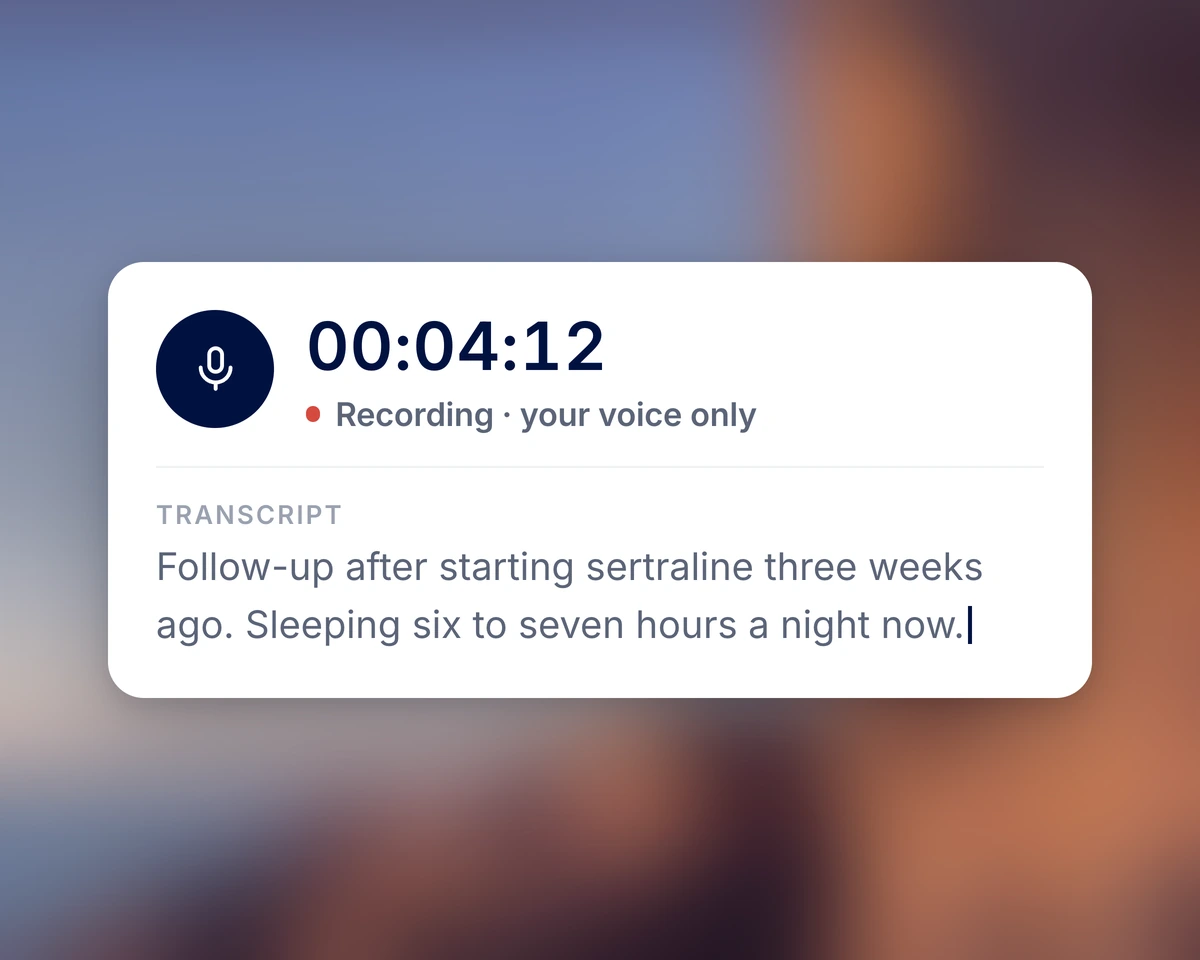
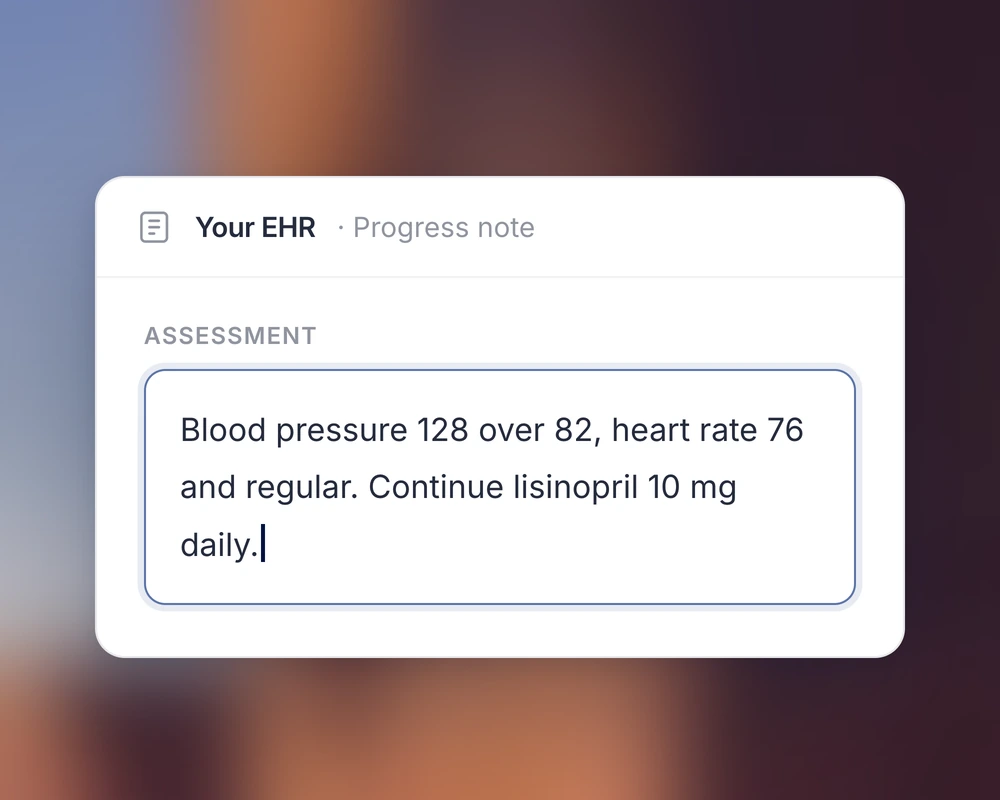
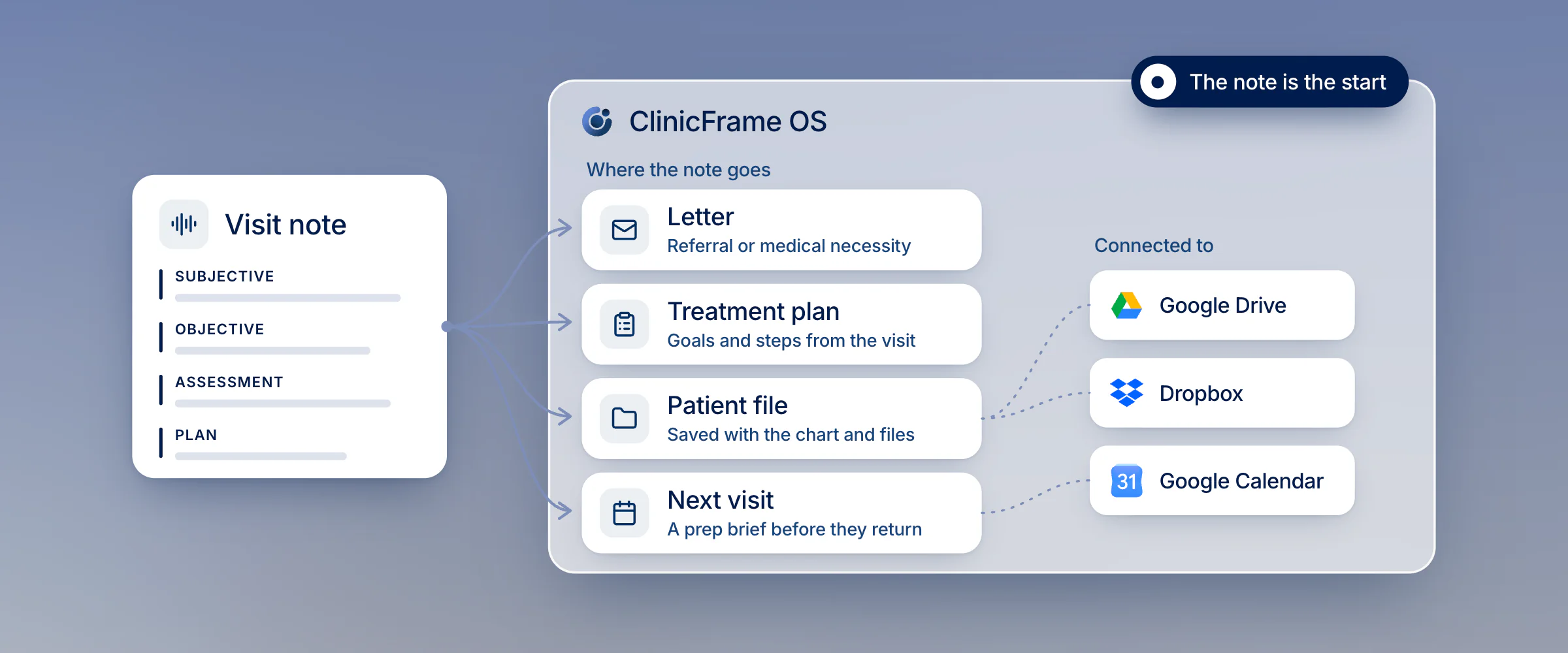
The note is where the work starts.
The note is where the work starts. ClinicFrame OS, the engine of ClinicFrame, connects the tools your practice already uses, like Google Calendar, Google Drive, and Dropbox. Each visit sets the next tasks in motion. In the same account, the AI medical assistant drafts the letter and the treatment plan and answers questions over the patient file, with the source page.
ClinicFrame signs a Business Associate Agreement with every account, Free included. The visit audio is discarded once the note is written.
Therapy, psychiatry, dentistry, veterinary care, physical therapy, and nursing each get their own templates and vocabulary. Start with an AI scribe for therapists, a psychiatry AI scribe, or a dental AI scribe. There is also a veterinary AI scribe, AI for physical therapy documentation, and AI nursing notes.
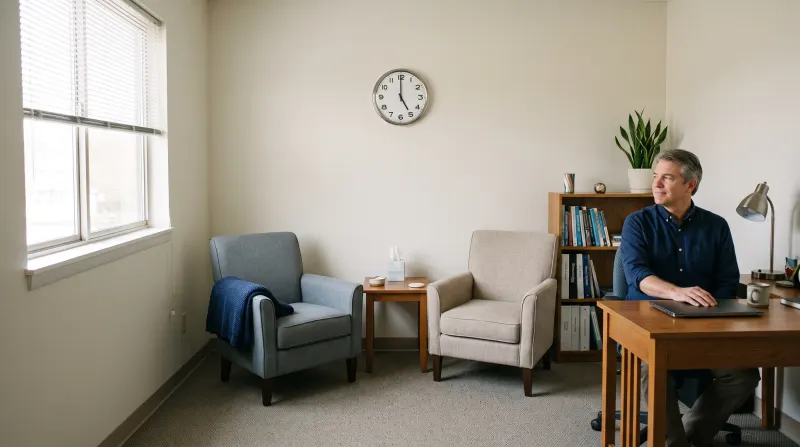 Mental Health & TherapyDAP and BIRP notes.See how it works for you
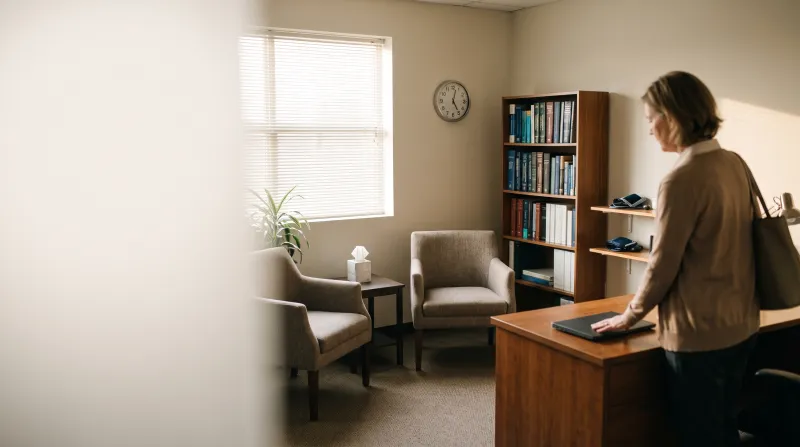 Psychiatry & PMHNPMental status exams and risk.See how it works for you
 Dentists & HygienistsPerio charting, hands-free.See how it works for you
 VeterinariansSOAP records by species.See how it works for you
 Physical & Occupational TherapyMeasurements and progress.See how it works for you
 NursingShift notes and handoffs.See how it works for you
Create your account, connect Google Calendar, and record your first session. No credit card, no sales call.
+ Google Calendar · + No credit card · + Starts in your browser
A signed BAA on every plan, from the first seat. Visit audio is never stored, and patient content is never used to train AI models.
+ Signed BAA · + No training on patient data · + Audio never stored
The clinic computer, your laptop at home, or any browser in between. Your templates and your history come with you, so nothing gets set up twice.
+ Browser · + macOS · + Windows
The desktop app records natively on your computer. A dropped connection or a closed tab doesn't take the session with it.
Download the desktop appClinicFrame listens from your side and stays out of the way. No bot in the room, none in the call, nothing for your patient to accept or notice.
+ In the room · + On a call · + No bot to admit
SOAP, DAP, BIRP, or the template you've used for years. Set it once and we use it every time. Copy the reviewed note into your EHR or export it as a PDF.
Start on the Free plan, no card needed. When you need more, Basic starts at $27.99 per user per month, with no weekly visit limit.
$27.99per user / month
$335.88 per user, billed yearly
$71.99per user / month
$863.88 per user, billed yearly
Free includes 15 visits a week, 20 chat questions a week, 2 patients. Signed BAA, no credit card.Try it for free
Try the free plan with a BAA on real visits before you pay. Compare every plan. Need custom terms? Talk to us about Enterprise.
Tell us what you’re trying to solve. Someone from the team writes back.
Straight answers about how ClinicFrame works, day to day.
An AI medical scribe, also called an AI-powered medical scribe, transcribes a clinical conversation and drafts a note from the session. ClinicFrame organizes the information into SOAP, DAP, BIRP, or a custom format for you to review.
An AI scribe is software that listens to a conversation and turns it into written documentation. In healthcare, it transcribes the visit and drafts a clinical note. ClinicFrame transcribes in real time and writes a SOAP, DAP, BIRP, or custom note. You review, edit, and sign the note before it goes into the medical record.
An ambient AI scribe captures the conversation during a visit. Dictation captures your narration, such as findings you describe after the patient leaves. ClinicFrame drafts a structured note from either type of session.
Yes. ClinicFrame signs a Business Associate Agreement with every account, Free included. Visit audio is discarded once it is transcribed, the transcript and the note are encrypted in your account, and patient content is not used to train AI models.
Yes. Every account signs the same Business Associate Agreement before it uses ClinicFrame, on Free and on paid plans. On a team account, the Owner signs once for the practice and the BAA covers every member.
Yes. Choose SOAP, DAP, or BIRP, or build your own template with the sections and instructions your practice uses. ClinicFrame drafts the note in that format, in English or Spanish, and you review it before it goes in the chart.
Yes. On a telehealth visit, the desktop app for Mac and Windows captures your computer’s audio, and the web app captures a shared Chrome or Edge tab. No bot joins the call, so the setup is the same on Zoom, Google Meet, Microsoft Teams, or doxy.me.
ClinicFrame reaches 96% transcription accuracy across 15+ medical specialties. It recognizes specialty-specific language, including terms such as tricuspid regurgitation and PHQ-9. Review the transcript and note before adding them to the medical record.
The draft note is ready for review in under 30 seconds after the session ends. ClinicFrame transcribes in real time while you talk. If your connection drops, ClinicFrame keeps recording and reconnects on its own, and sends up to 2 minutes of audio captured offline once you're back. Review and edit the draft, then copy it into your EHR or export it as a PDF.
There is no direct EHR integration. Review the note, then copy it into your EHR or export it as a PDF. To type into an EHR field by voice, Dictate Anywhere in the desktop app inserts the text into the field you selected.
Yes. ClinicFrame drafts DAP, BIRP, SOAP, and custom progress notes from a therapy session or your dictation. Include the intervention, the client’s response, and the follow-up plan in the session information.
ClinicFrame discards the visit audio once it is transcribed, so no recording remains after the note is created. Your account keeps the transcript and the note, encrypted.
Physicians report saving 2 or more hours per day on clinical documentation, more than 45 hours per month. ClinicFrame turns the session into a note within seconds, so your time goes into clinical review instead of writing from scratch.
Open ClinicFrame in your browser, choose a session type, and grant the required audio permissions. You can use telehealth in the browser. Download the desktop app for native audio capture and desktop notifications.
The right one depends on your practice. Check four things: a signed BAA, your specialty’s note formats, the price per clinician, and a free way to test it. ClinicFrame signs a BAA with every account, Free plan included. It writes SOAP, DAP, BIRP, and custom notes in English or Spanish. The Free plan needs no credit card, and Basic costs $34.99 per month.
Yes. ClinicFrame has a Free plan with no credit card and no time limit. It includes 15 visits and 150 recording minutes a week, refilled every Monday. The Free plan comes with a signed BAA, so you can use it on real patient visits. Basic removes the weekly visit limit, from $27.99 per user per month.
A virtual medical scribe is a person who documents visits remotely. ClinicFrame is an ambient AI medical scribe on your computer. It transcribes the visit in real time and writes a structured note within seconds, without adding another person to the encounter.
More on AI scribesAmbient AI scribeMedical scribe softwareFree AI medical scribes with a BAAAI scribe for eClinicalWorksAI scribe for Healthie