Start from a system template
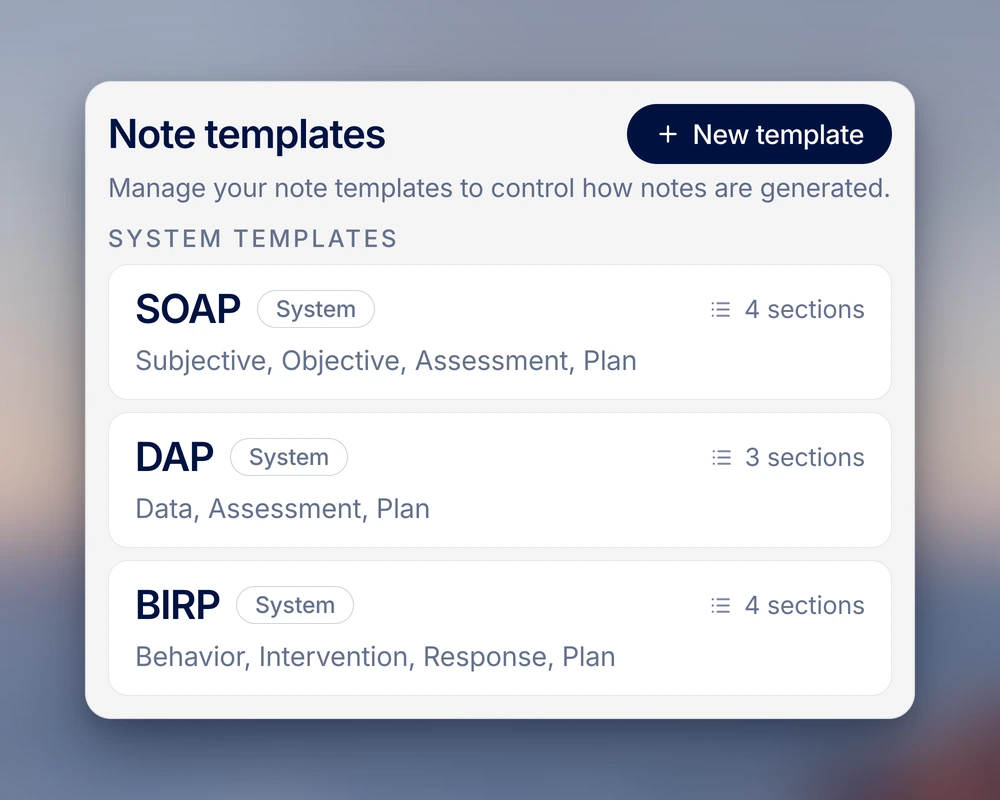
SOAP, DAP, and BIRP come ready on every plan. Set one as your default and every new note uses it.

DAP, BIRP, and SOAP notes
Record the visit in the room or on a video call, or talk it through once the client leaves. ClinicFrame writes the progress note in DAP, BIRP, SOAP, or your own template.
Free plan, no credit card. Signed BAA on every plan.
ClinicFrame is an AI scribe that writes the progress note from what was said in the visit. Here is one synthetic 50-minute visit, written three ways, and a group visit in GIRP. Pick a format to read it.
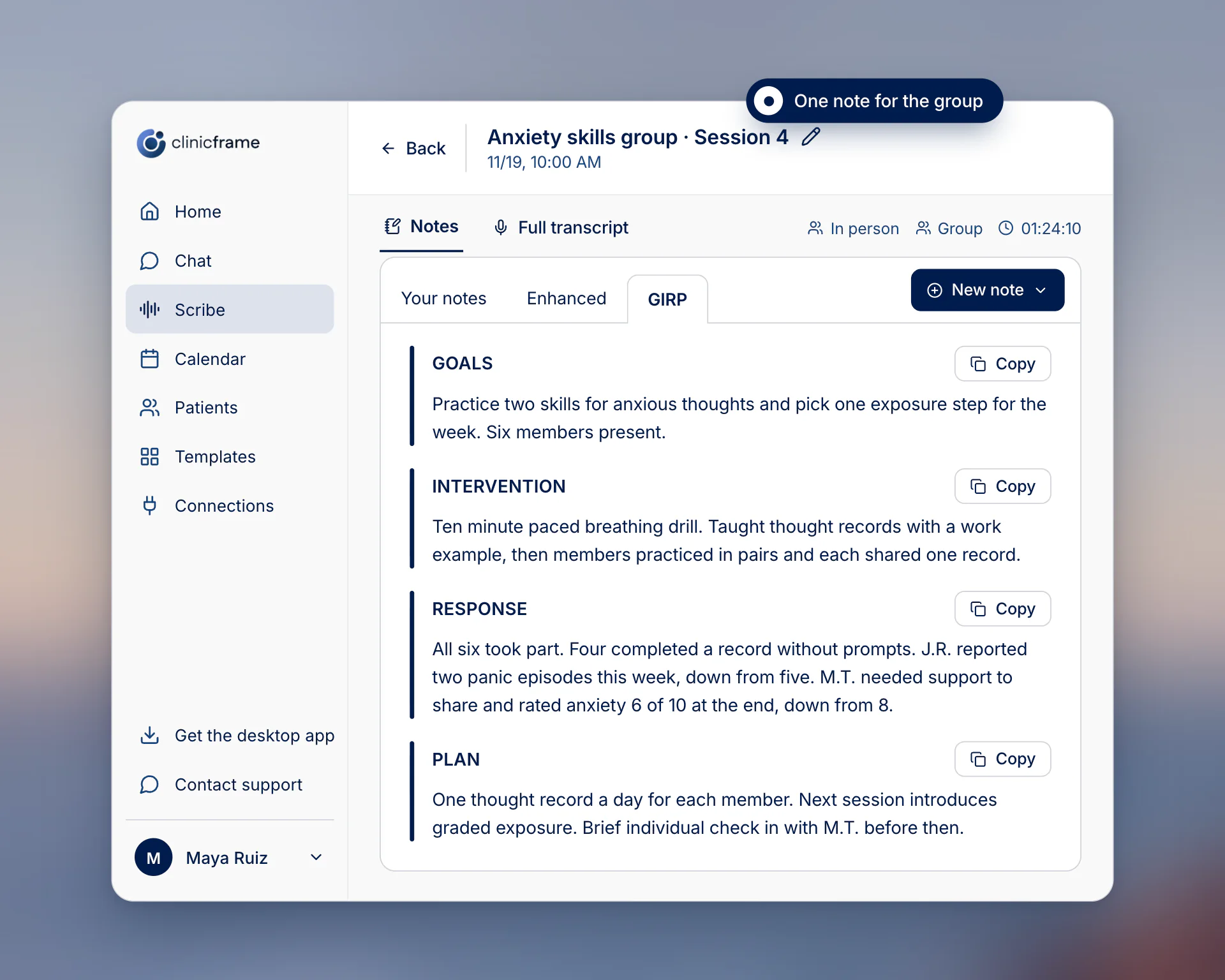
Synthetic example, not a real client. To write one by hand, read our guides to DAP notes and BIRP notes, the GIRP note for group work, and case notes for case management.
Some clients would rather not be recorded, and some visits should not be. Then ClinicFrame works as an AI note taker for you alone.
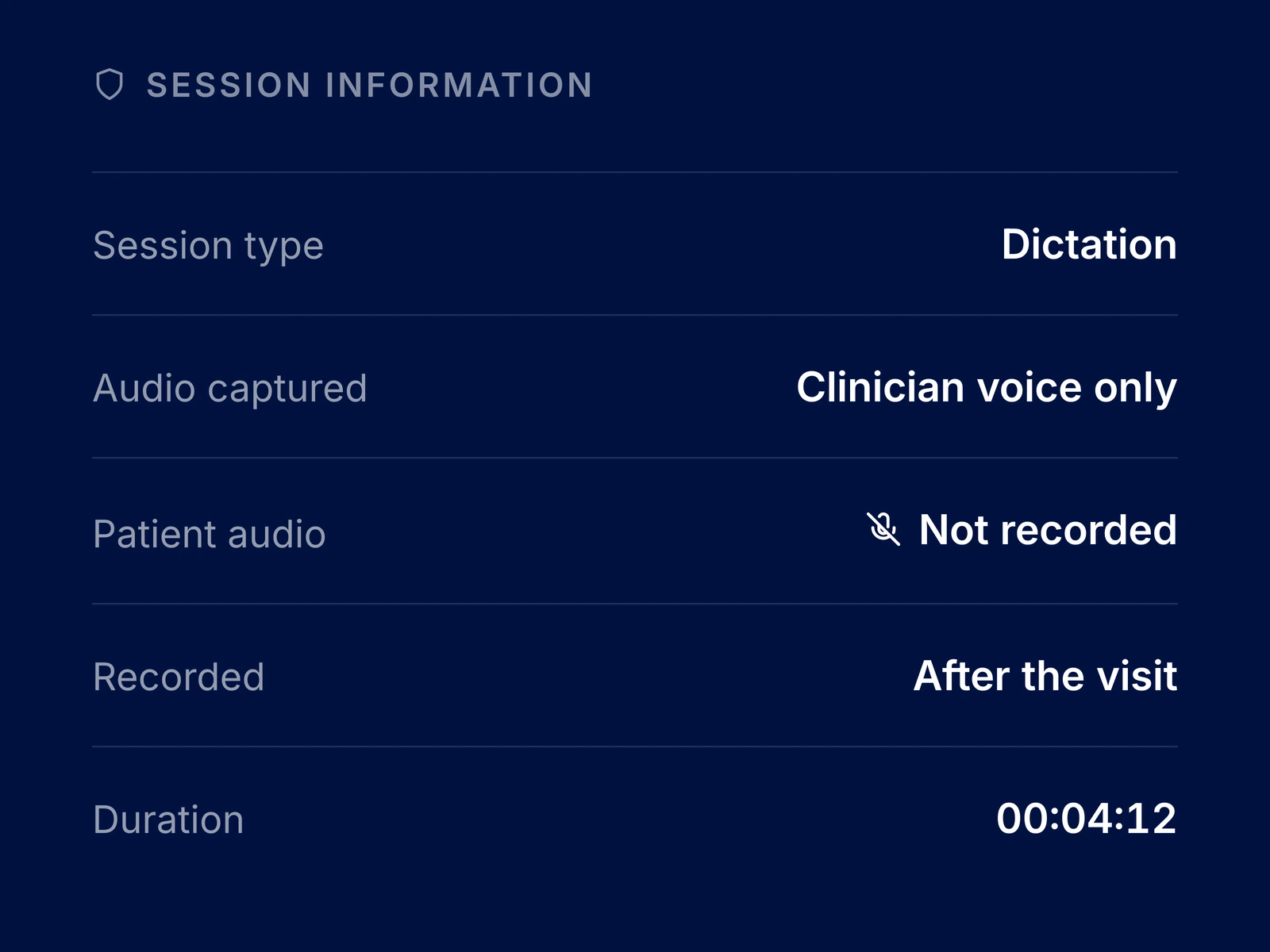
Click Start session and choose Dictation instead of In-person or Telehealth. No client needs to be selected to begin.
Say what the client brought, what you did, and what comes next. Pause to check your notes and pick up where you left off.
It comes back in your default format. Dictation does not count against any plan limit, Free included.
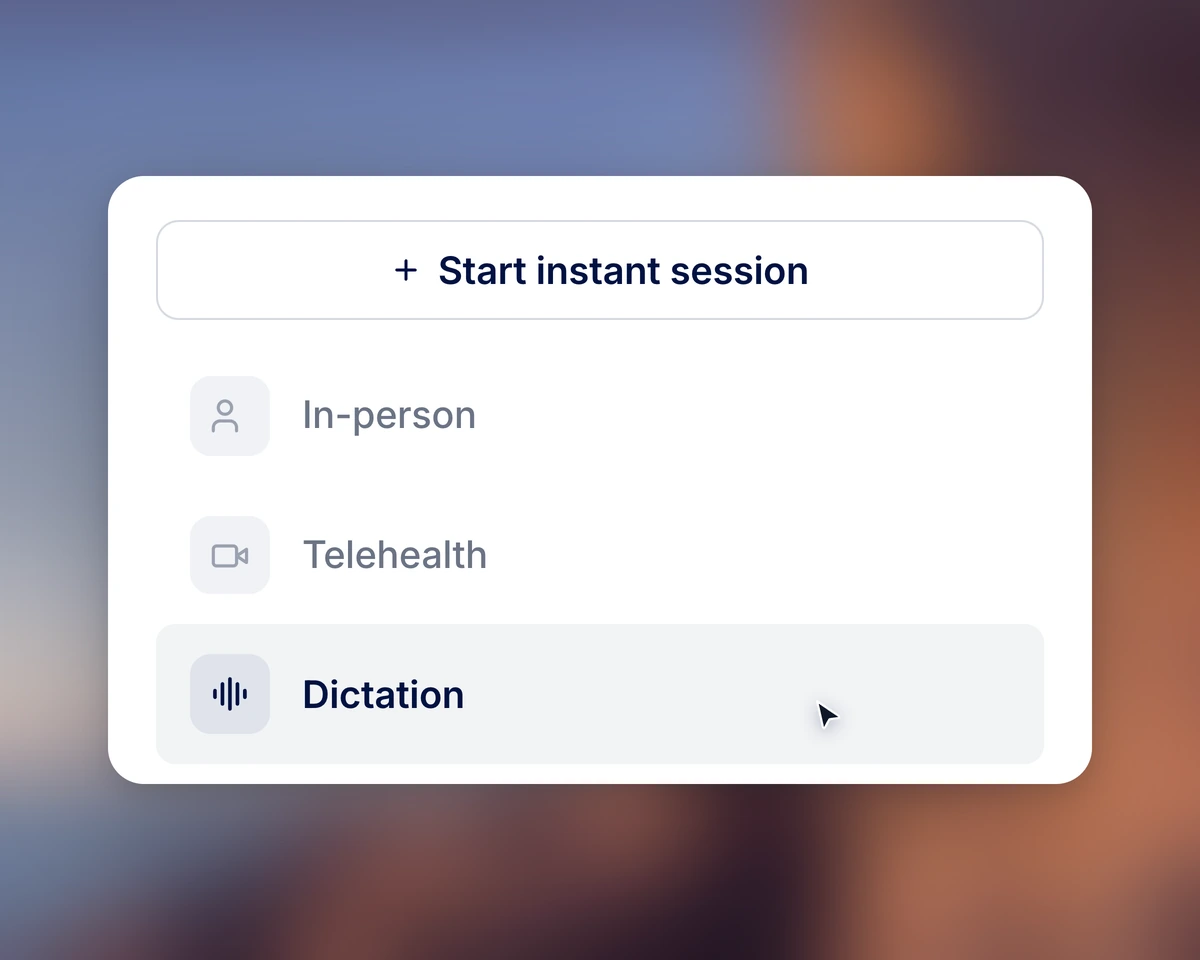
Telehealth
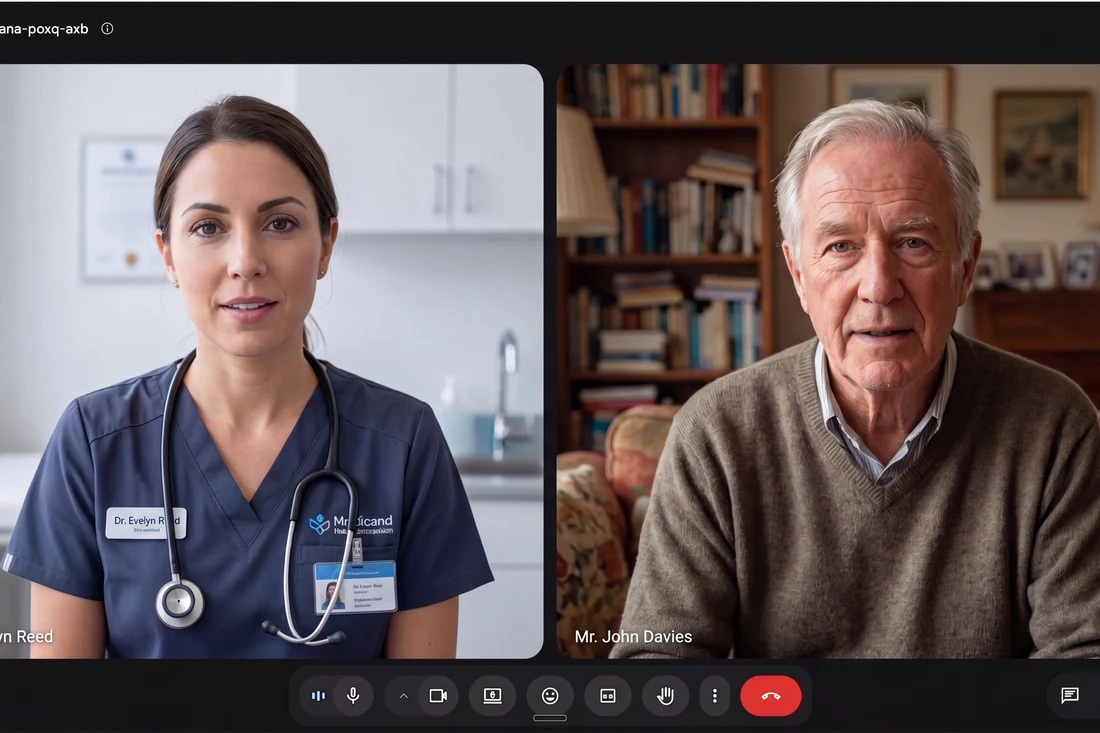
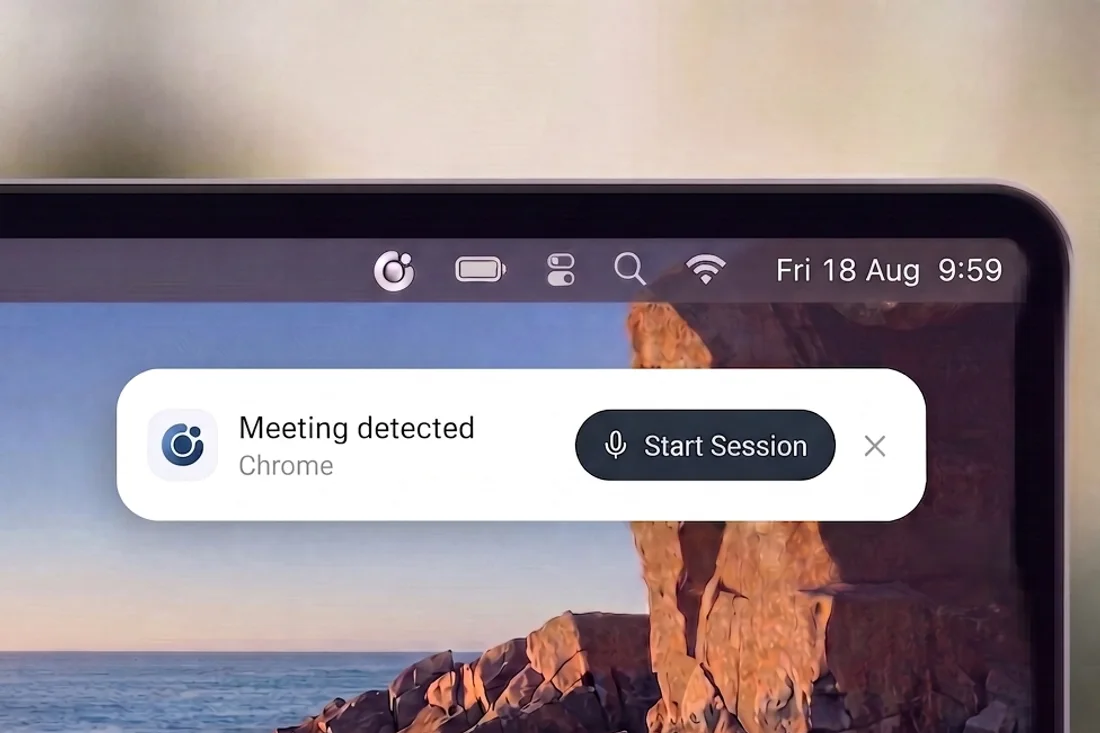
Choose Telehealth in the browser and share the tab your call runs in. ClinicFrame transcribes both sides of the conversation, and nobody new appears in the call.
With the Chrome extension, click its icon on the call's tab and recording starts. The desktop app for Mac and Windows records the computer's audio, so there is no tab to pick. See transcription.
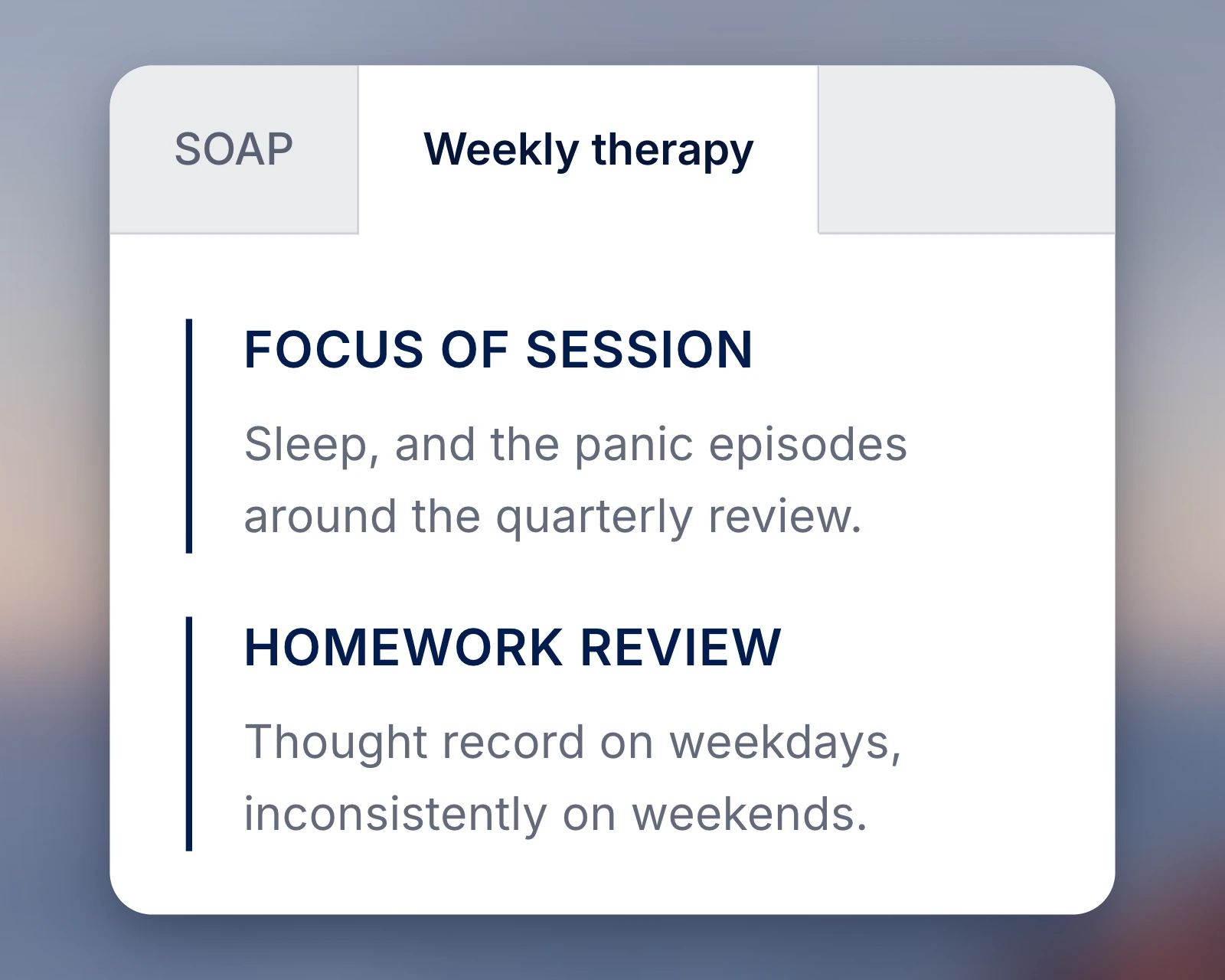
Start from DAP, BIRP, or SOAP, then write the note you would write yourself.
SOAP, DAP, and BIRP come ready on every plan. Set one as your default and every new note uses it.
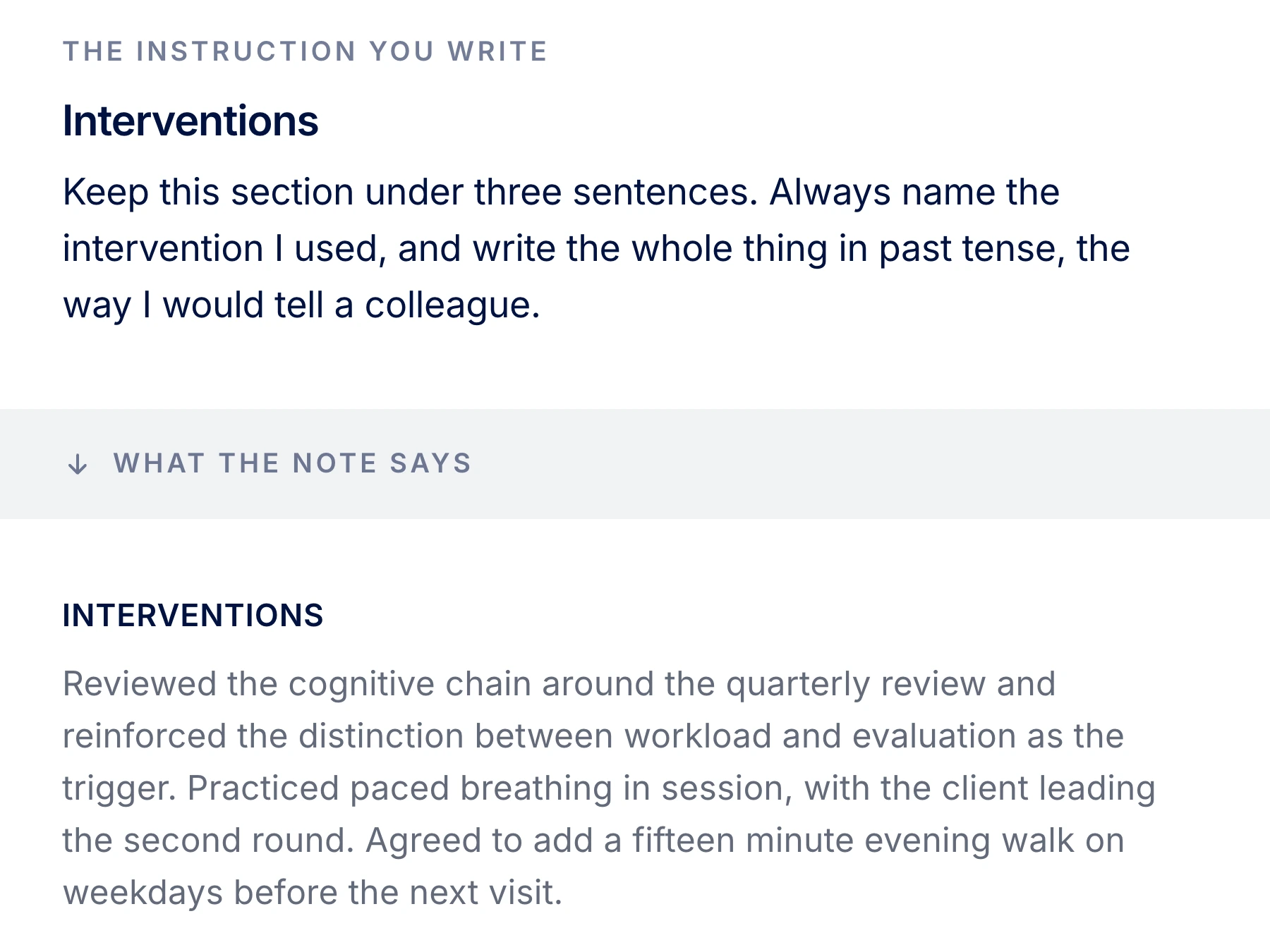
Name a section and write its instruction, for example past tense and the intervention named. ClinicFrame follows it.
Upload one as PDF or Word, or paste the text. ClinicFrame finds the sections and suggests instructions you can edit.
The transcript and the note stay in your account. The recording does not.
ClinicFrame signs a Business Associate Agreement with every account, Free included.
The recording is deleted once it is transcribed. You keep the transcript and the note.
ClinicFrame does not use client content to train AI models.
Notes and transcripts are encrypted in transit and at rest.
Read how ClinicFrame protects patient dataHow we protect patient data →
Each note stays with the client in ClinicFrame, and the next piece of work starts from it. The full picture is on our page about AI for therapists.
Ask for a plan update and ClinicFrame drafts it from the notes since the last review. Each goal cites the visit it came from.
Starts fromYour progress notes
Ask for a client's GAD-7 or PHQ-9 history and get a table and a chart of the scores you documented.
Starts fromThe scores in your notes
A letter to the client's psychiatrist or primary care doctor comes from the same notes, as a Word file.
Starts fromThe notes you choose
ClinicFrame does not choose goals, treatments, or diagnoses. You review every draft before it leaves the account.
Short answers for therapists about recording, formats, and editing.
Yes. Turn on Group session when you start a visit with three or more people in the room. ClinicFrame writes the note from the whole conversation, in the template you pick. A GIRP template is a common place to start for group work.
No. Choose Dictation and talk the visit through after the client leaves. Only your voice is recorded, and the note comes back in your format. Dictation does not count against any plan limit.
Yes. Edit any section of the draft, or open the same visit in another format. Then copy the note into your EHR or export a PDF, and sign it there. ClinicFrame does not send notes to an EHR.
Yes. Choose Telehealth in the browser and share the call's tab, and ClinicFrame transcribes both sides of the conversation. No bot joins the call. With the Chrome extension or the desktop app, you skip the tab picker.
Yes. ClinicFrame writes each note in English or Spanish, in the language of the visit. To switch a finished note, click the language button on the note.
Free plan, no credit card, signed BAA included.
Updated