Owner
Creates the account, invites users, assigns roles, and manages seats.
+ Paid seat · + Invites users · + Assigns roles

ClinicFrame Teams
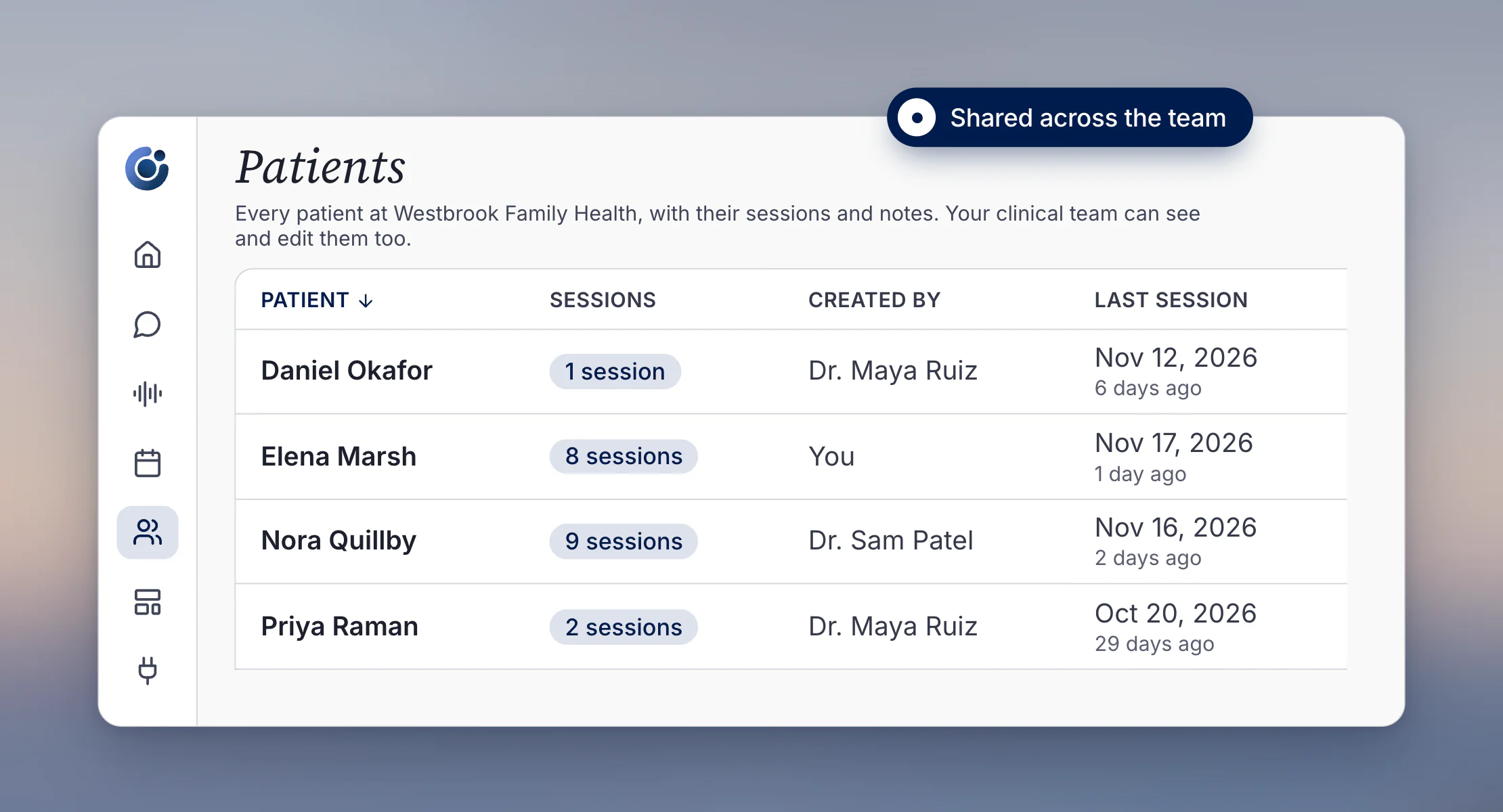
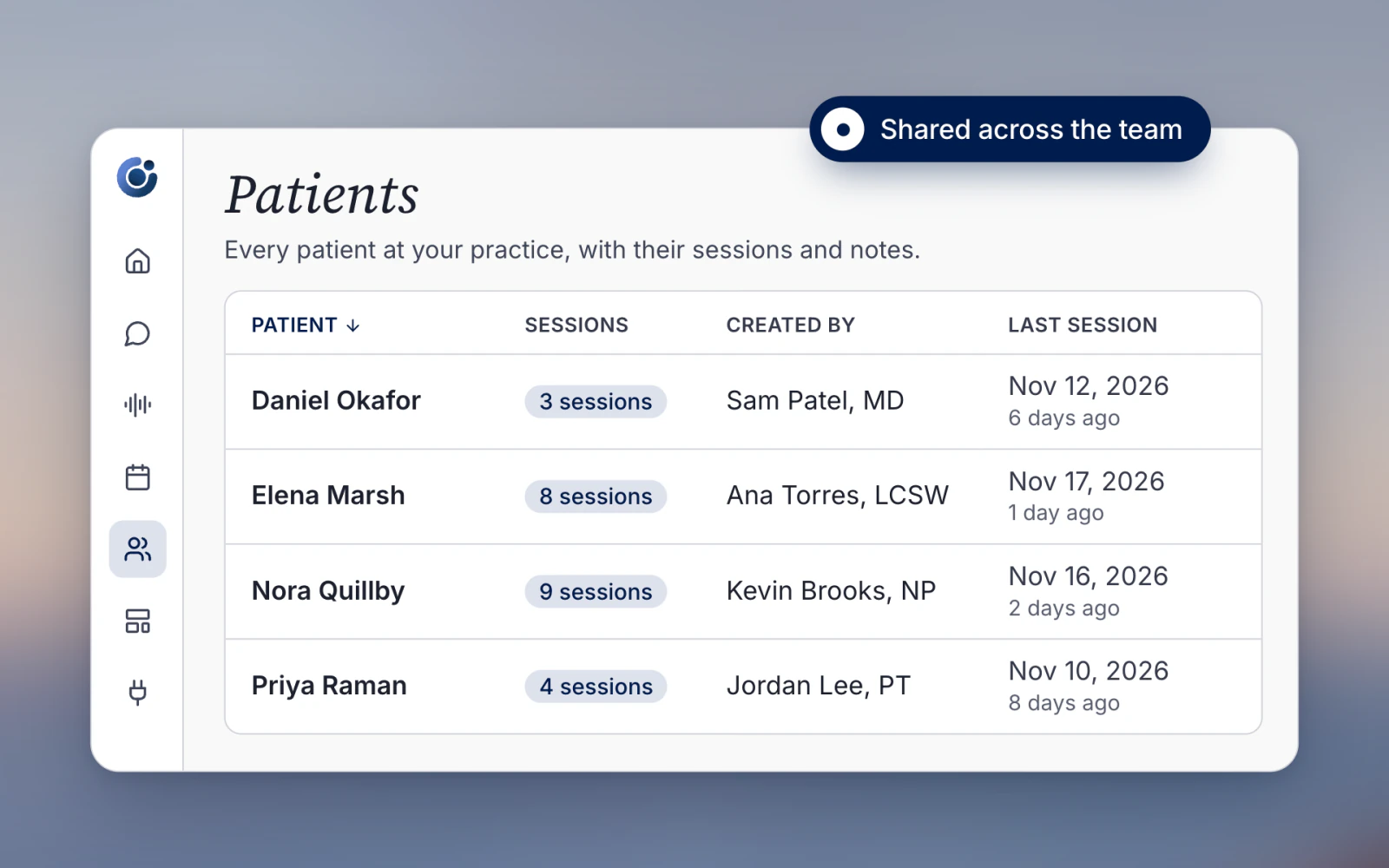
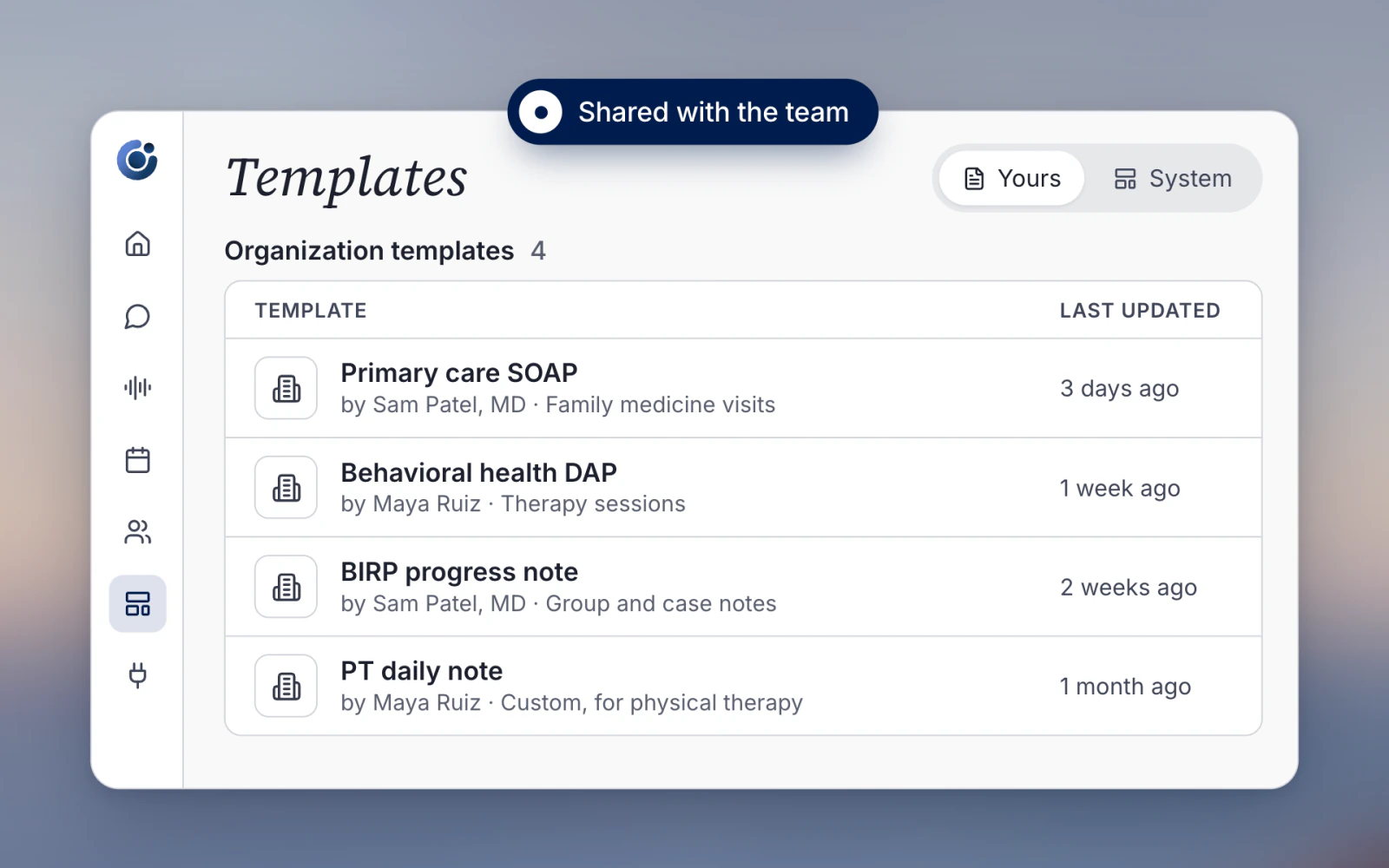
Your team shares patients, files, and note templates, billed per seat. Every note stays editable only by the clinician who wrote it.
IT admins do not take a paid seat.
One where the whole team works on the same patients while each specialty keeps its own note format. This is what a ClinicFrame team shares.
Owner, Clinical admin, Clinician
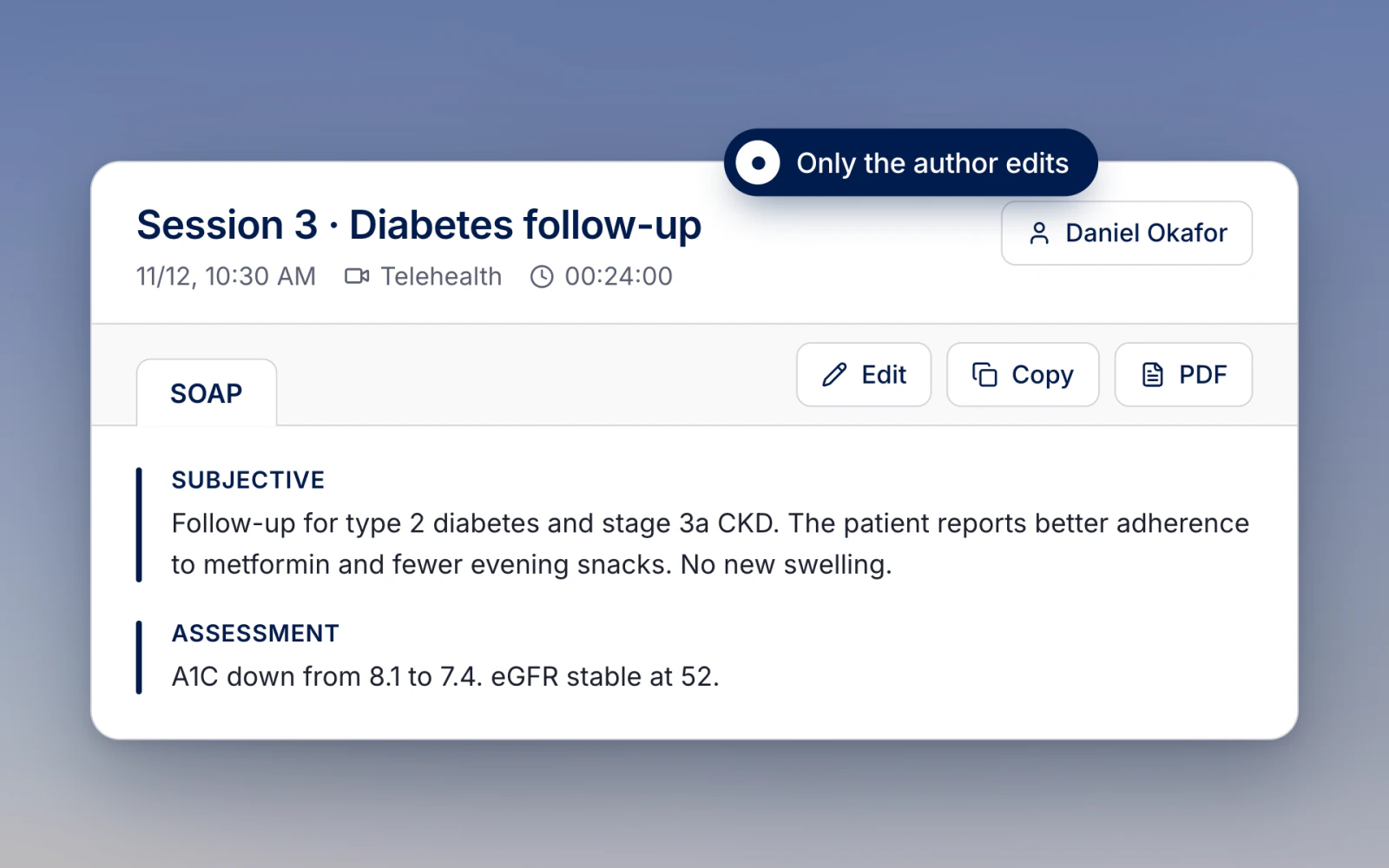
Only the author
Plus
Owner and Clinical admin
Every user
Per-patient permissions are not available today.
ClinicFrame Teams has four roles. This is what each one can do. There are no front desk or billing roles.
Creates the account, invites users, assigns roles, and manages seats.
+ Paid seat · + Invites users · + Assigns roles
Runs the clinical side, from shared templates to the team's patients.
+ Paid seat · + Shares templates · + Edits only own notes
Records visits, writes notes, and works with the chat in a paid seat.
+ Paid seat · + Records visits · + Edits only own notes
Handles setup and access. Does not take a paid seat.
+ No paid seat · + Setup and access · + Invites and removes users
Each Owner, Clinical admin, and Clinician seat is billed per month. Removing a user frees the seat.
See per-seat pricing| Owner | Clinical admin | Clinician | IT admin | |
|---|---|---|---|---|
| Takes a paid seat | Yes | Yes | Yes | No |
| Records visits and writes notes | Yes | Yes | Yes | No |
| Edits notes | Only their own notes | Only their own notes | Only their own notes | No |
| Works on the team's shared patients and files | Yes | Yes | Yes | No |
| Uses ClinicFrame Assistant over patient files | Yes | Yes | Yes | No |
| Shares note templates with the team | Yes | Yes | No | No |
| Invites and removes users | Yes | No | No | Yes |
| Assigns roles | Yes | No | No | No |
| Manages seats and billing | Yes | No | No | No |
| Handles technical setup and access | Yes | No | No | Yes |
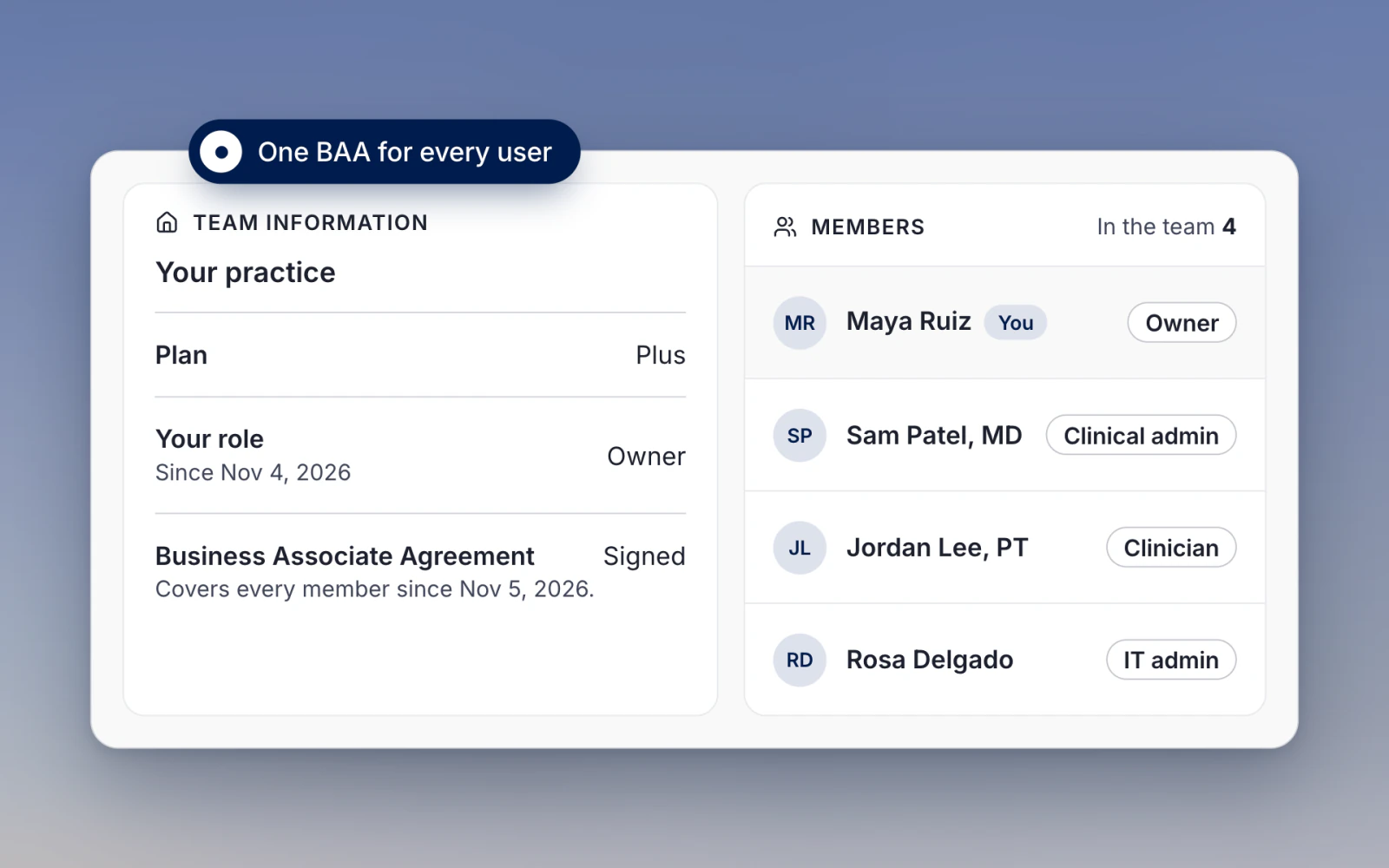
One BAA covers every user on the account. Per-patient permissions are not available today.
The Owner invites each person by email from the team settings.
Owner, Clinical admin, Clinician, or IT admin. IT admins do not take a paid seat.
Share the note formats the team should start from, by specialty if needed.
Seats are billed per user per month on Basic ($34.99) or Plus ($89.99). Removing a user frees the seat.
“We moved our whole clinical team to one account with shared templates. Onboarding a new hire now takes less than a day.”
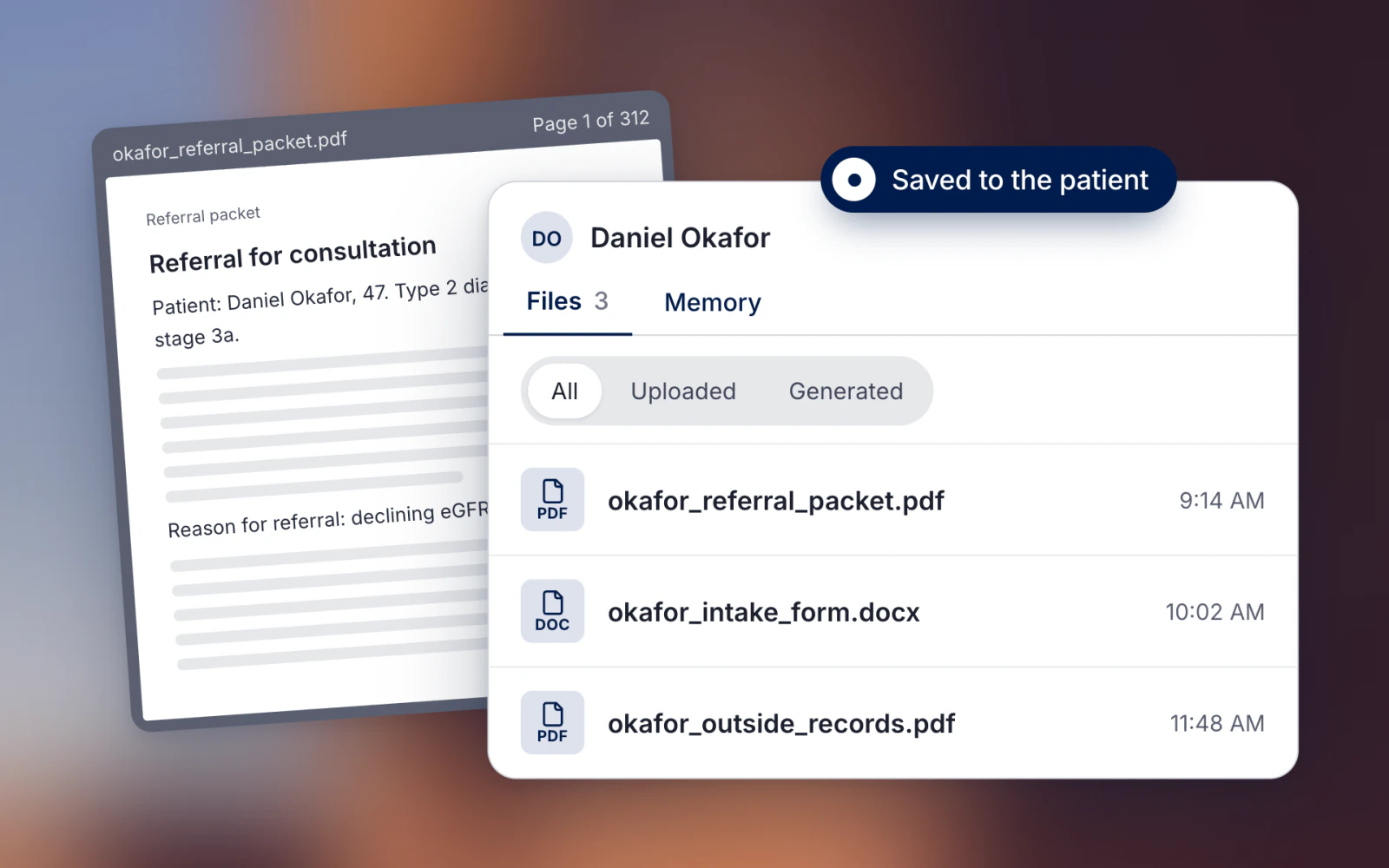
Your team shares patients, files, and templates on one account under one BAA. Each note can be edited only by the clinician who wrote it. Per-patient permissions are not available today.
Each Owner, Clinical admin, and Clinician seat is billed per month on the plan you choose. IT admins do not take a paid seat.
$27.99per user / month
$335.88 per user, billed yearly
$71.99per user / month
$863.88 per user, billed yearly
Free includes 15 visits a week, 20 chat questions a week, 2 patients. Signed BAA, no credit card.Try it for free
Prices are per user seat, per month. IT admins do not take a paid seat. Compare every plan. Need custom terms? Talk to us about Enterprise.
Users and roles
ClinicFrame Teams puts a group practice on one account and one BAA, billed per seat. Owners invite clinicians, share note templates, and assign four roles: Owner, Clinical admin, Clinician, and IT admin. IT admins do not take a paid seat, and each clinician's notes stay editable only by their author.
Every clinician gets the same AI medical scribe and AI assistant as a solo account, working on the team's shared patients. For what that changes in a clinic's day, see ClinicFrame for clinics.
Straight answers about roles, users, and seats on a ClinicFrame team.
ClinicFrame Teams has four roles: Owner, Clinical admin, Clinician, and IT admin. The Owner invites users, assigns roles, and manages seats. Clinicians record visits and write notes in a paid seat. The IT admin handles setup and does not take a paid seat. There are no front desk or billing roles.
The team works on shared patients, files, and templates, and each note can be edited only by the clinician who wrote it. One Business Associate Agreement covers the whole account. ClinicFrame does not offer per-patient permissions today.
Yes. The Owner and the Clinical admin can share note templates with the team, so every clinician starts from the same SOAP, DAP, BIRP, or custom format.
The Owner invites a user by email and picks a role. Each Clinician, Clinical admin, and Owner takes a paid seat. When someone leaves, the Owner removes the user and the seat is freed. Notes the user wrote stay with the team's patients.
ClinicFrame publishes per-seat prices for Basic and Plus, with 20% off on annual billing. For a larger group, talk to the team about Enterprise terms.
One BAA for the account. Per-seat billing on Basic and Plus.
Updated