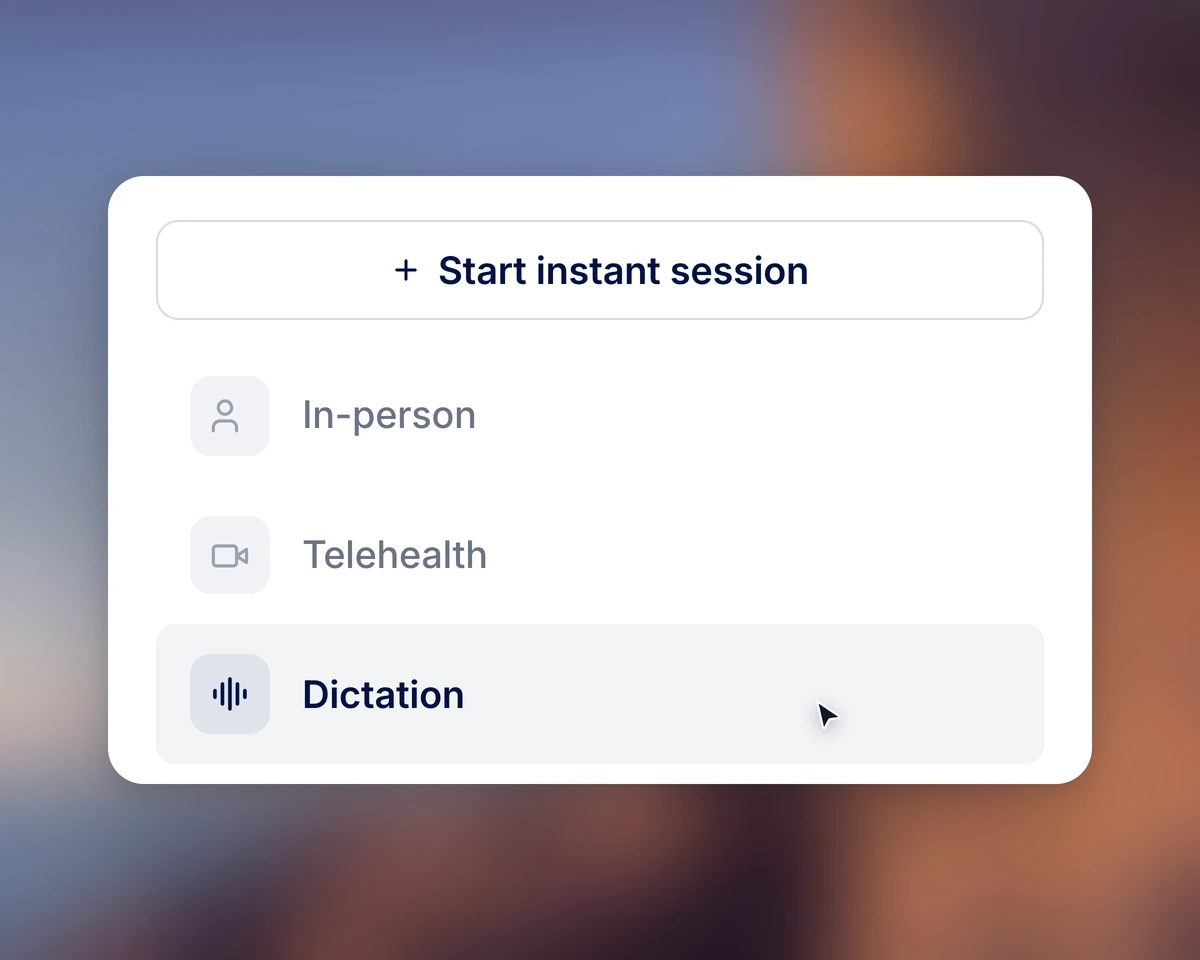
Start a Dictation session.
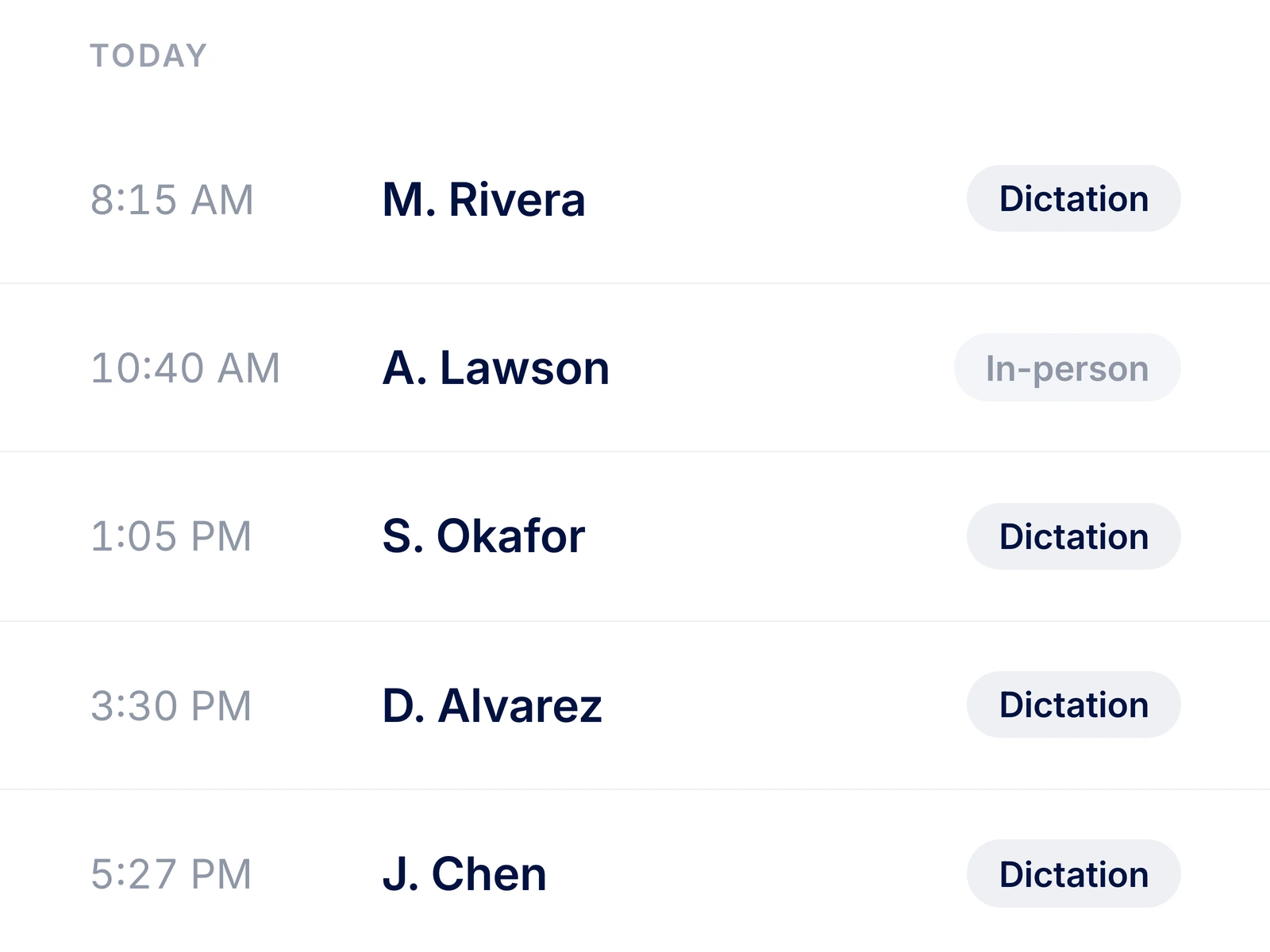
Select Dictation after your visit and choose the patient record for your note.
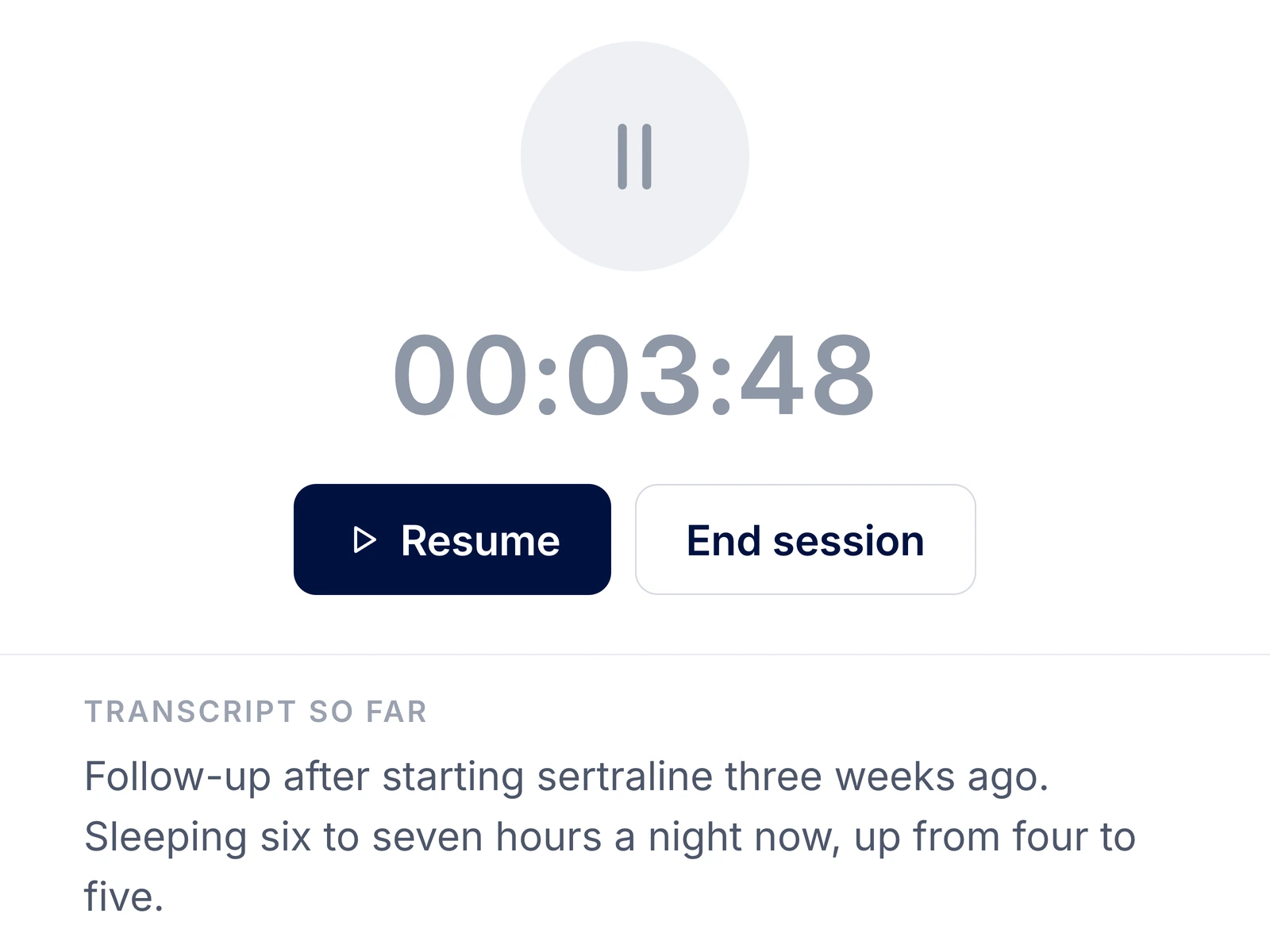
Paused. Press Resume to keep dictating.
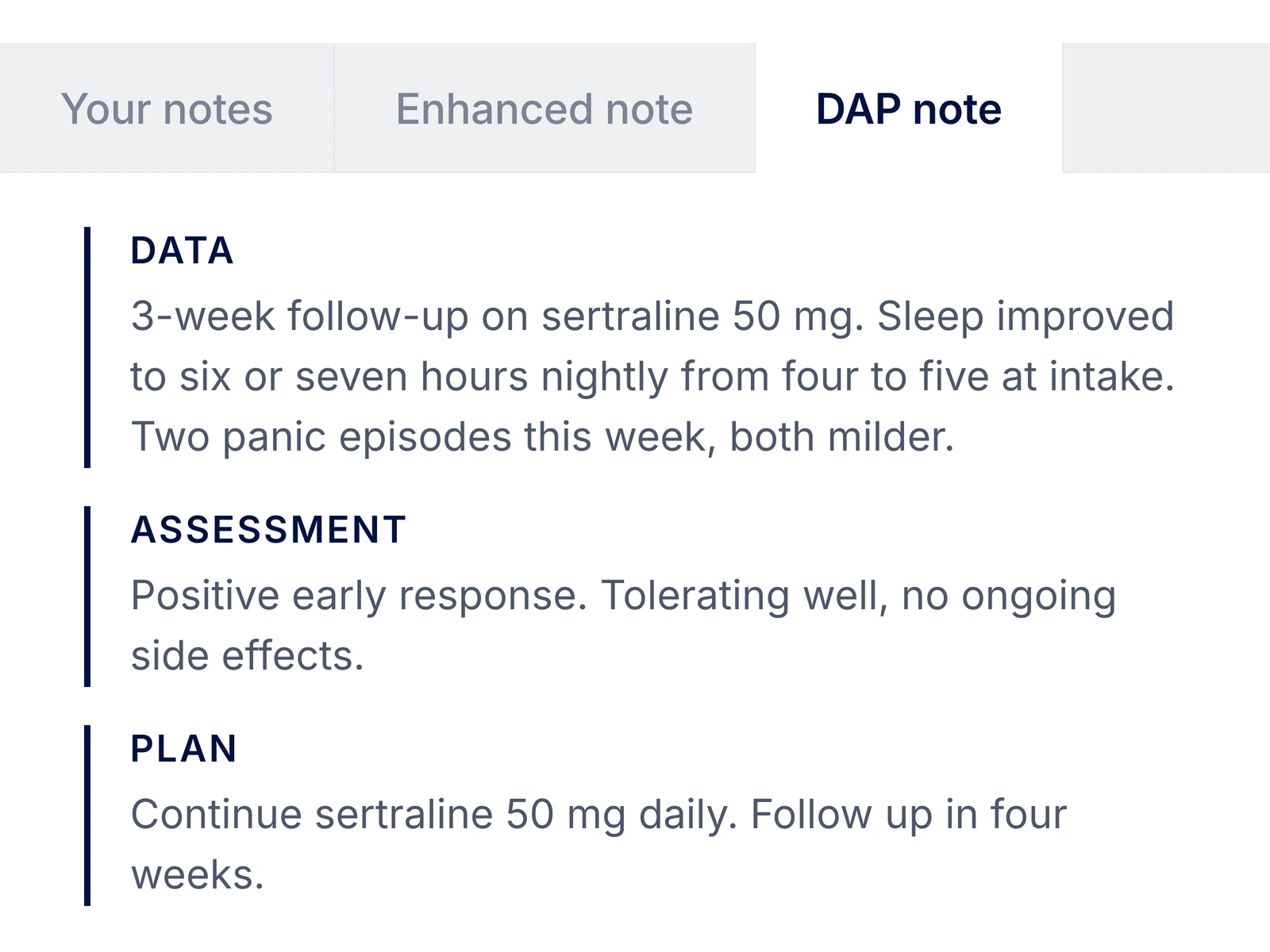
Client reported work-related anxiety and difficulty falling asleep. We practiced paced breathing. The client participated and reported reduced tension. The plan is to practice before the next session and review in 1 week.
Client reported work-related anxiety and difficulty falling asleep. Practiced paced breathing and reported reduced tension.
Client participated in the exercise and reported reduced tension.
Practice paced breathing before the next session. Review in 1 week.
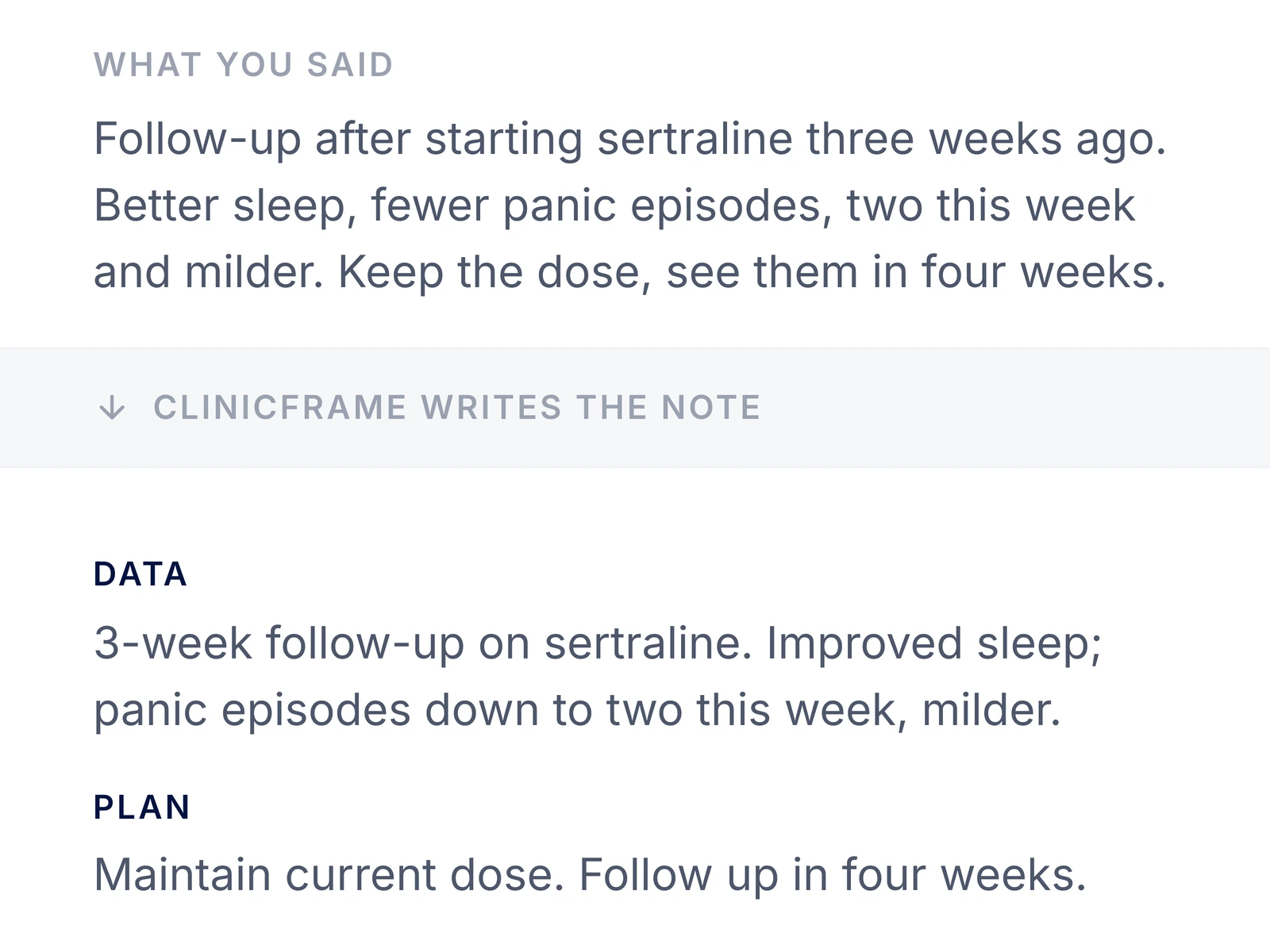
Talk through the visit once it’s over. ClinicFrame drafts the note from your narration, in the format you already use.
Describe your findings and the plan you discussed. ClinicFrame organizes the draft into your chosen sections.
Select Dictation after your visit and choose the patient record for your note.
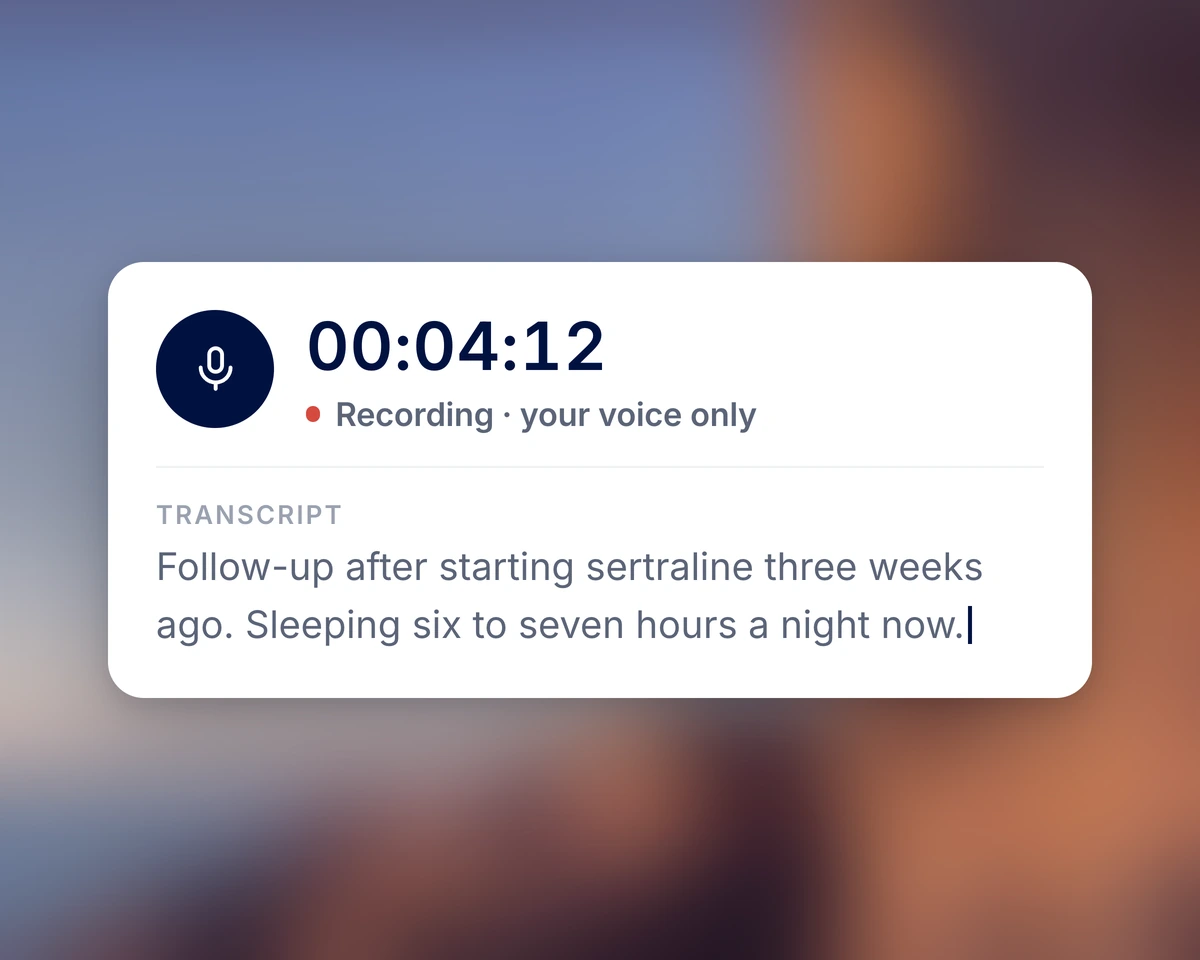
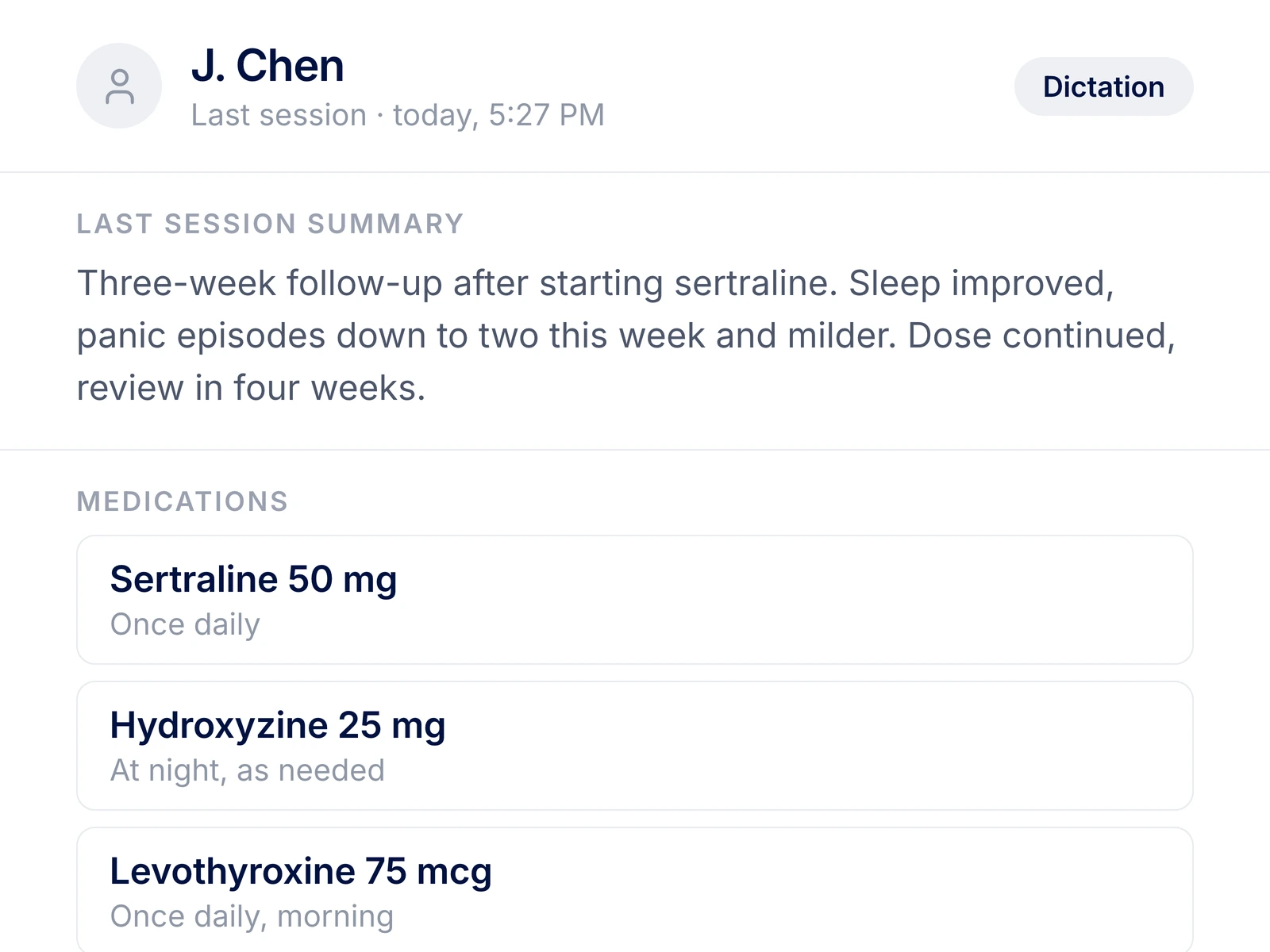
Include your findings and the plan you discussed. Pause to check the chart when you need to.
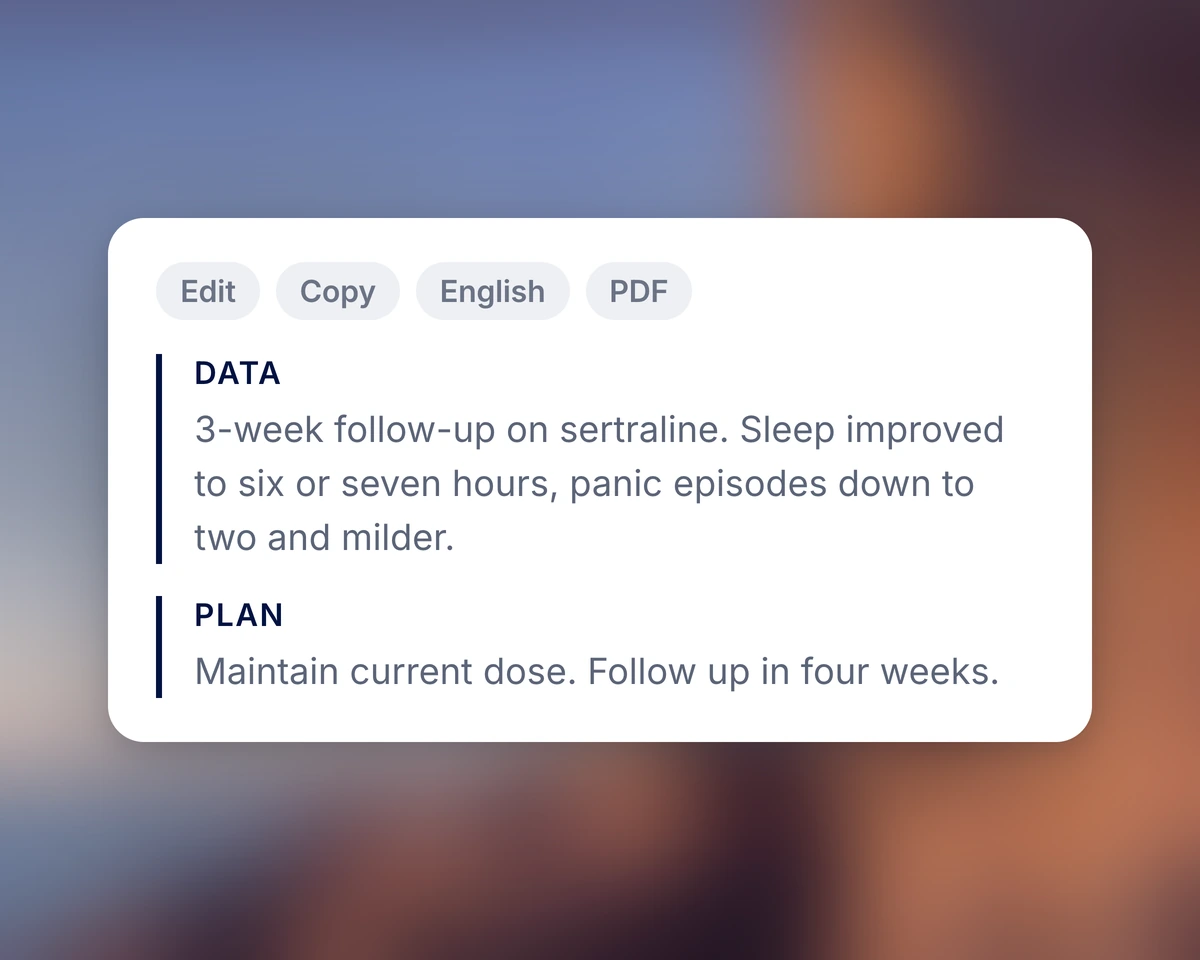
Check the draft against your narration, make corrections, and copy it into the chart.
Pause to check a detail, then continue your narration.
“I do not record my patients. I talk the visit through after, and the note is done just as fast.”
Start it, pause it, resume it, then read the note that comes out.
A signed Business Associate Agreement (BAA) is included with your account.
Transcribe a conversation, dictate into another app, or customize your note format.
Straight answers about how ClinicFrame works, day to day.
ClinicFrame uses medical speech recognition to transcribe your narration, then drafts a structured clinical note. Describe the encounter in your own words and choose the note format you use in your practice.
Yes, with Dictate Anywhere. In the desktop app for Mac or Windows, hold a key, speak, and let go. The text lands in the field you had selected, like an EHR note. Use Dictation when you want ClinicFrame to draft a full structured note.
Dictation generates a structured note from your narration inside ClinicFrame. Dictate Anywhere inserts transcribed text into the field you have selected in another application. Choose Dictation when you want a draft organized into clinical sections.
Voice training is not required. Open a Dictation session and use a microphone in a quiet space. Review the transcript to check how it captured your words.
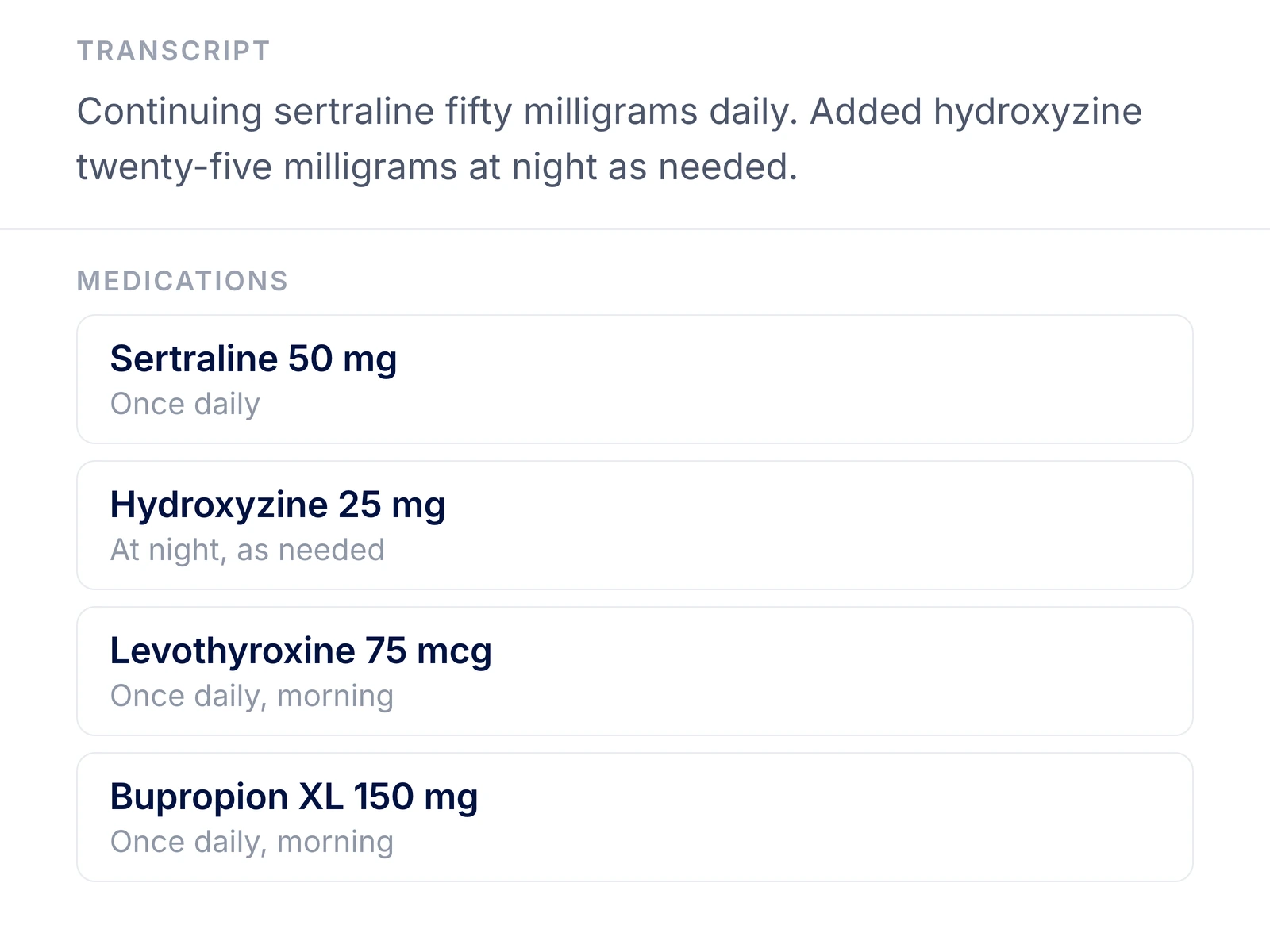
Review medication names, doses, and instructions in the transcript and generated note. Speech recognition can make mistakes in these details, even when the rest of the text reads correctly.
Use Dictation to narrate your findings after a visit when you did not transcribe the conversation. Transcription captures the encounter as it happens. Both use your note templates, but the content depends on what you captured or narrated.
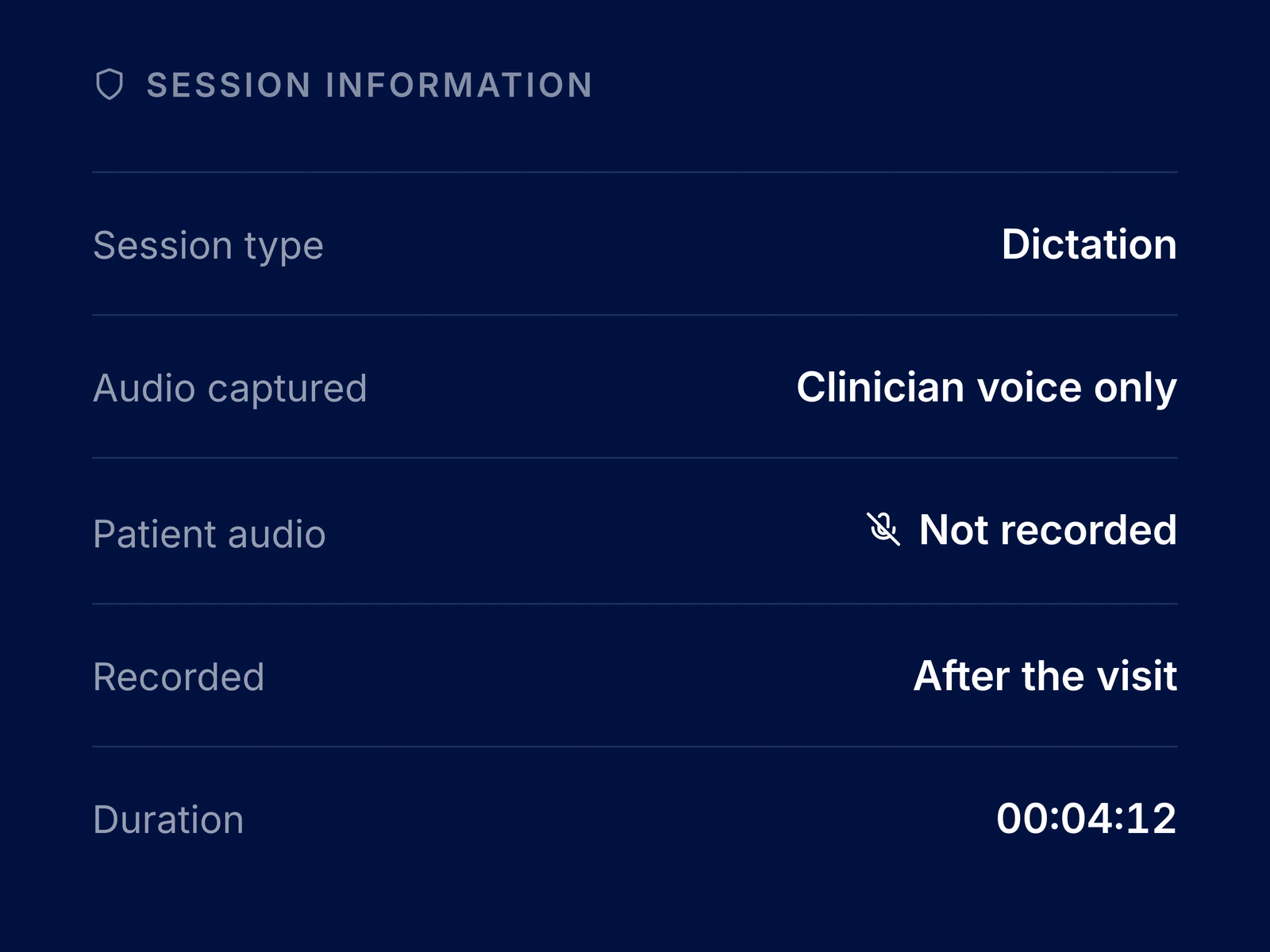
Dictation is intended for your narration after the visit. Your microphone may also pick up nearby voices, so dictate in a private space. Patient information you mention is still part of the transcript and note.
Open a Dictation session and document the encounter from your recollection and clinical records. Complete your documentation promptly and check the draft for missing or incorrect details.
Pause when you need to check the chart, then resume your narration. The transcript stays on screen so you can see what you have already dictated.
Choose SOAP, DAP, BIRP, or a custom template for a dictated session. ClinicFrame uses the selected structure when drafting the note. Review the content of each section before exporting it.
Dictate in the browser whenever you want. Add the desktop app for notifications alongside your sessions.
Download the appMore on thisClinicFrame AI medical scribePatient consent for AI scribesDAP, BIRP, and progress notesHow a session becomes a SOAP note