Web or desktop

The same ClinicFrame. Two ways to work.

Open ClinicFrame Web on the computer in front of you. Install the desktop app on the computer that follows your clinical day.

Choose for the computer in front of you

Your account moves. Your setup can change.

Both versions write the same clinical notes. The difference is how ClinicFrame fits into the computer you are using.

No installation

Use web when the computer changes

Open the browser on a shared workstation, treatment room computer, or temporary desk. Your ClinicFrame account brings the clinical workspace with you.

  • Sign in from an approved browser
  • Run in-person and telehealth sessions
  • Review the note before you leave
Open ClinicFrame Web
Recommended for daily use

Use desktop on your own computer

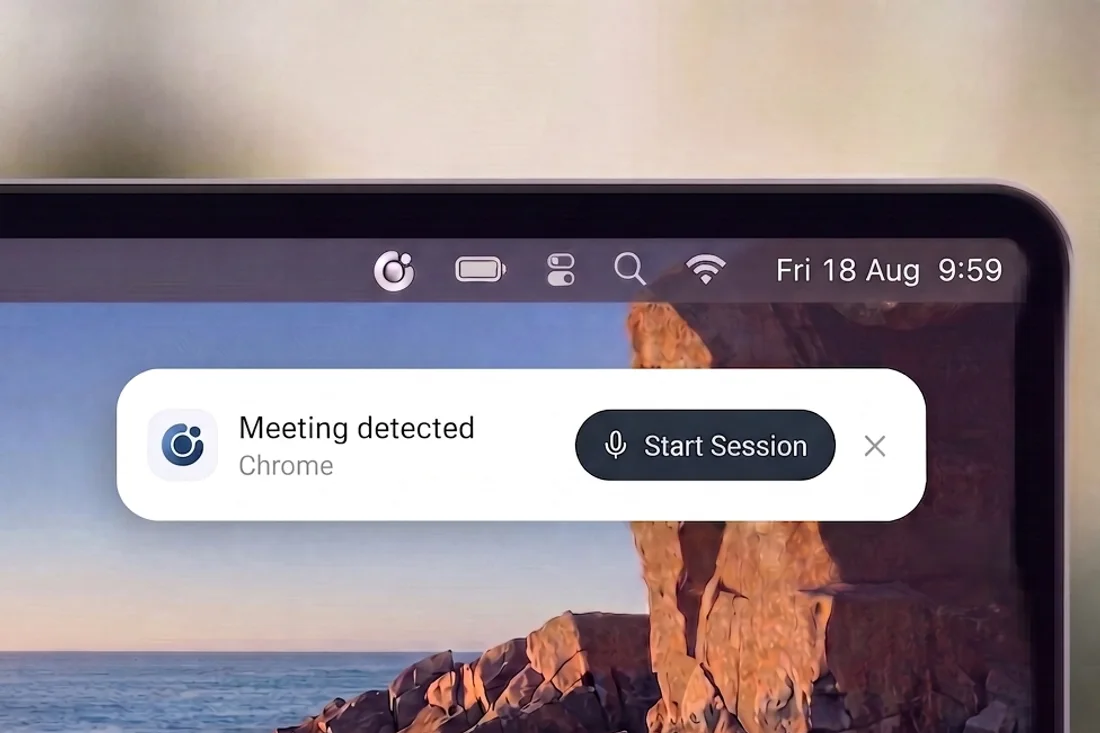
Keep ClinicFrame available throughout the day. The app captures system audio directly and alerts you when a supported meeting starts.

  • Capture telehealth audio natively
  • Start from meeting and calendar alerts
  • Control sessions from the Quick Bar
Download the app

One clinical day

Use each version where it earns its place.

Your account stays consistent while the computer and the work around it change.

8:10
Shared clinic workstation

Open web and start the first visit

You sign in without installing software. The patient record and your preferred note template are already there.

Web
12:40
Different room, different computer

Pick up the same patient history

You open ClinicFrame Web on the available workstation. Past sessions stay attached to the same patient record.

Web
15:00
Personal workstation

Let the app catch the next call

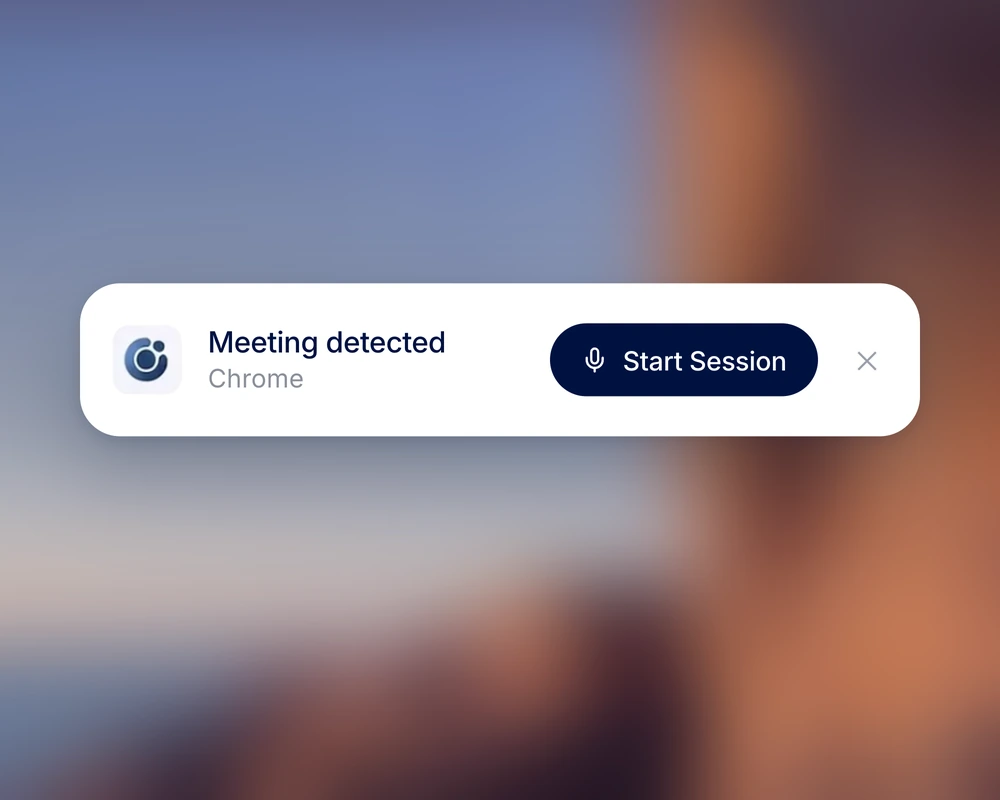
ClinicFrame detects a supported meeting and sends a native alert. You start the telehealth session from the notification.

Desktop
17:20
EHR open on screen

Keep ClinicFrame above the chart

The Quick Bar stays within reach while you review the note or use Dictate Anywhere in the selected field.

Desktop

Feature comparison

What changes between web and desktop?

The core scribe follows your account. Desktop adds controls that depend on the operating system.

CapabilityWebDesktop app
Getting startedOpen it in the browserInstall once on your computer
Patient records and session historyIncludedIncluded
SOAP, DAP, BIRP, and custom templatesIncludedIncluded
In-person visitsUses your microphoneUses your microphone
Telehealth visitsCaptures shared tab audioCaptures system audio directly
Meeting detectionNot availableDetects supported calls
Session notificationsAvailable while the browser is openNative system notifications
Quick BarNot availableControls the session above your active window
Dictate AnywhereNot availablePastes dictation into the selected field
Best fitShared and rotating workstationsYour personal clinical workstation

Use both

Use web at the clinic and desktop on your own computer.

Use web on the clinic computer. Use desktop on your own. ClinicFrame keeps the same patients, notes, templates, and session history under one account.

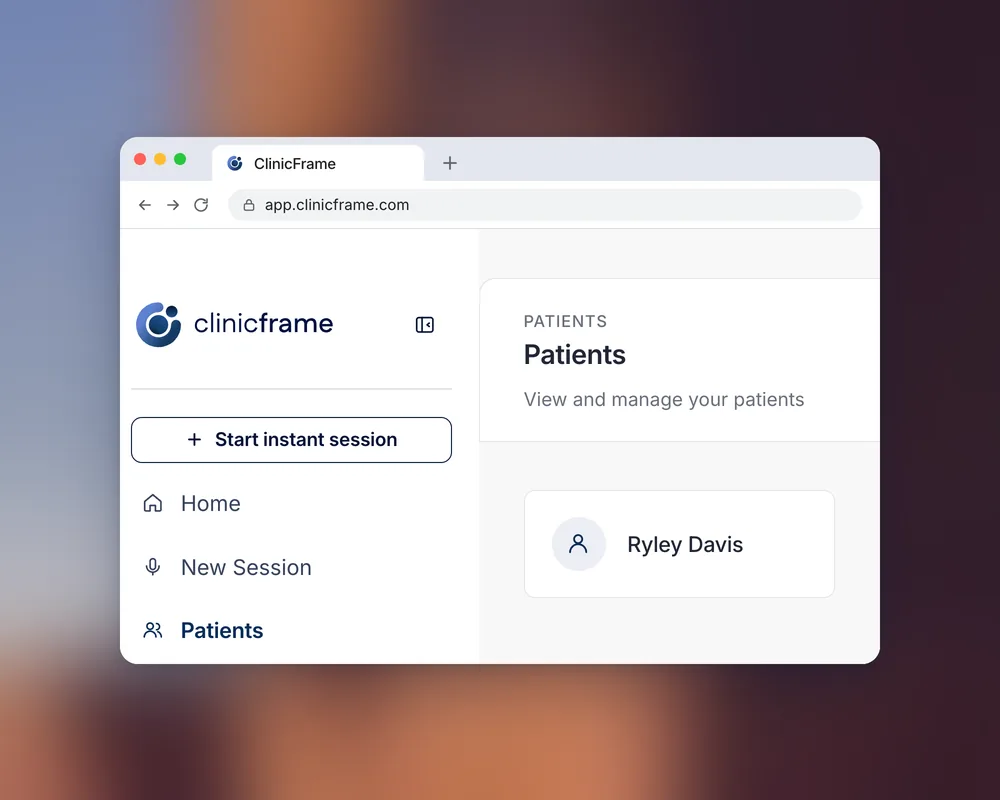
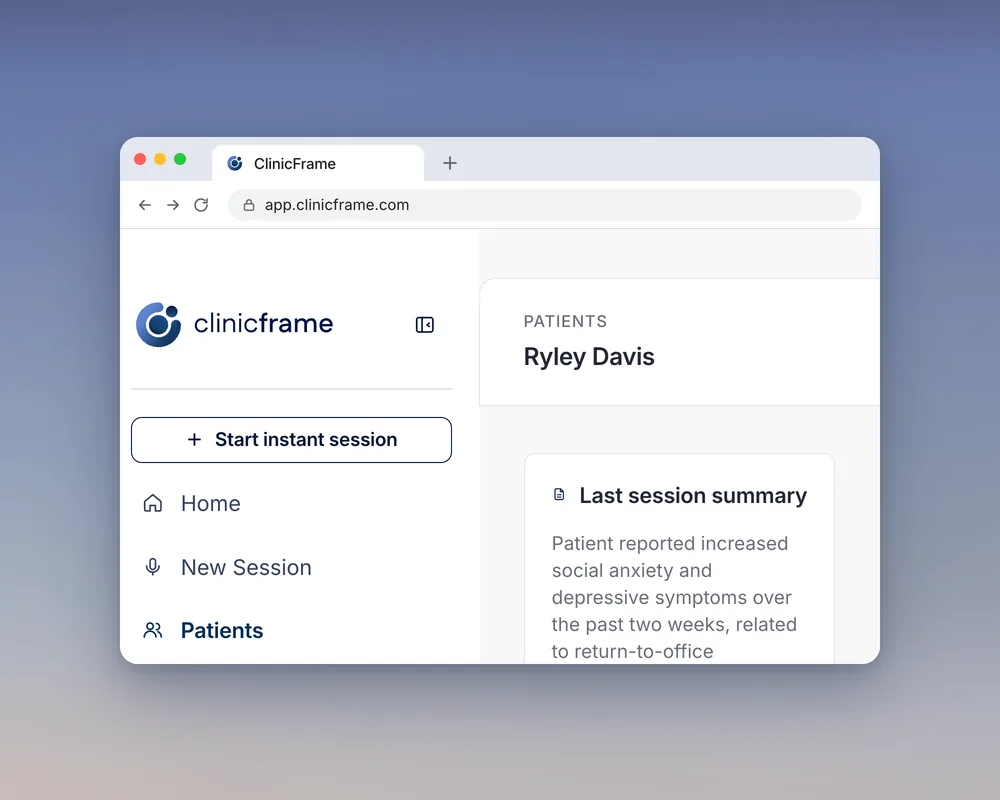
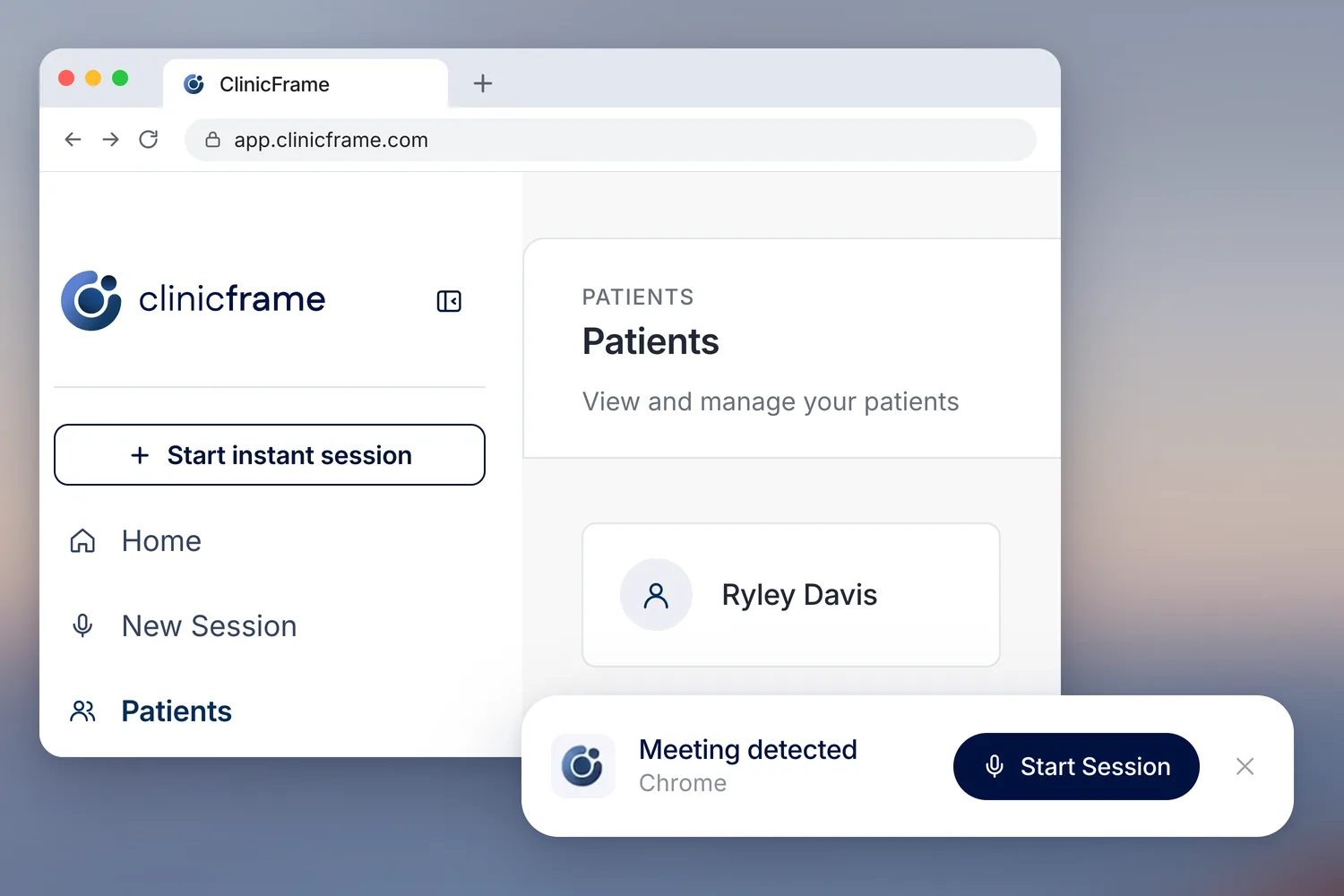
ClinicFrame open in a browser at app.clinicframe.com showing the patient Ryley Davis, with the desktop app's Meeting detected notification and its Start Session button floating in front of the window.
One account, open in the browser and running on the desktop.

Common questions

Choose with the full picture.

Do ClinicFrame Web and the desktop app use the same account?

Yes. Your patients, sessions, templates, and notes follow your ClinicFrame account. You can move between web and desktop without rebuilding your workspace.

Can I transcribe telehealth visits in the browser?

Yes. ClinicFrame Web captures the audio from a shared browser tab. The desktop app captures system audio directly and removes the tab-sharing step.

When should I choose ClinicFrame Web?

Use the web app on a shared or rotating workstation, or when you cannot install software. Sign in, finish the session, and sign out when you leave.

Why install the desktop app on my own computer?

The desktop app adds native audio capture, meeting detection, system notifications, Quick Bar, and Dictate Anywhere. These features keep ClinicFrame close throughout your clinical day.

Start where you work today

Open the browser now. Install the app when the computer is yours.

More on the productTranscriptionDictationDictate AnywhereNote templates