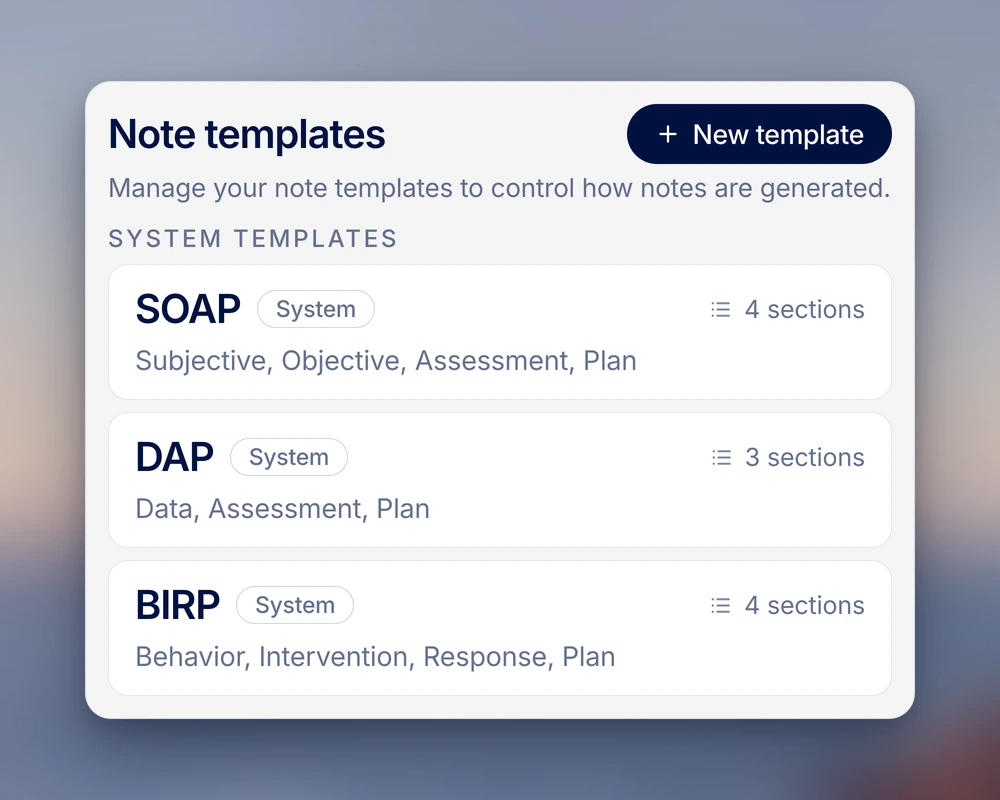
Choose a note format.
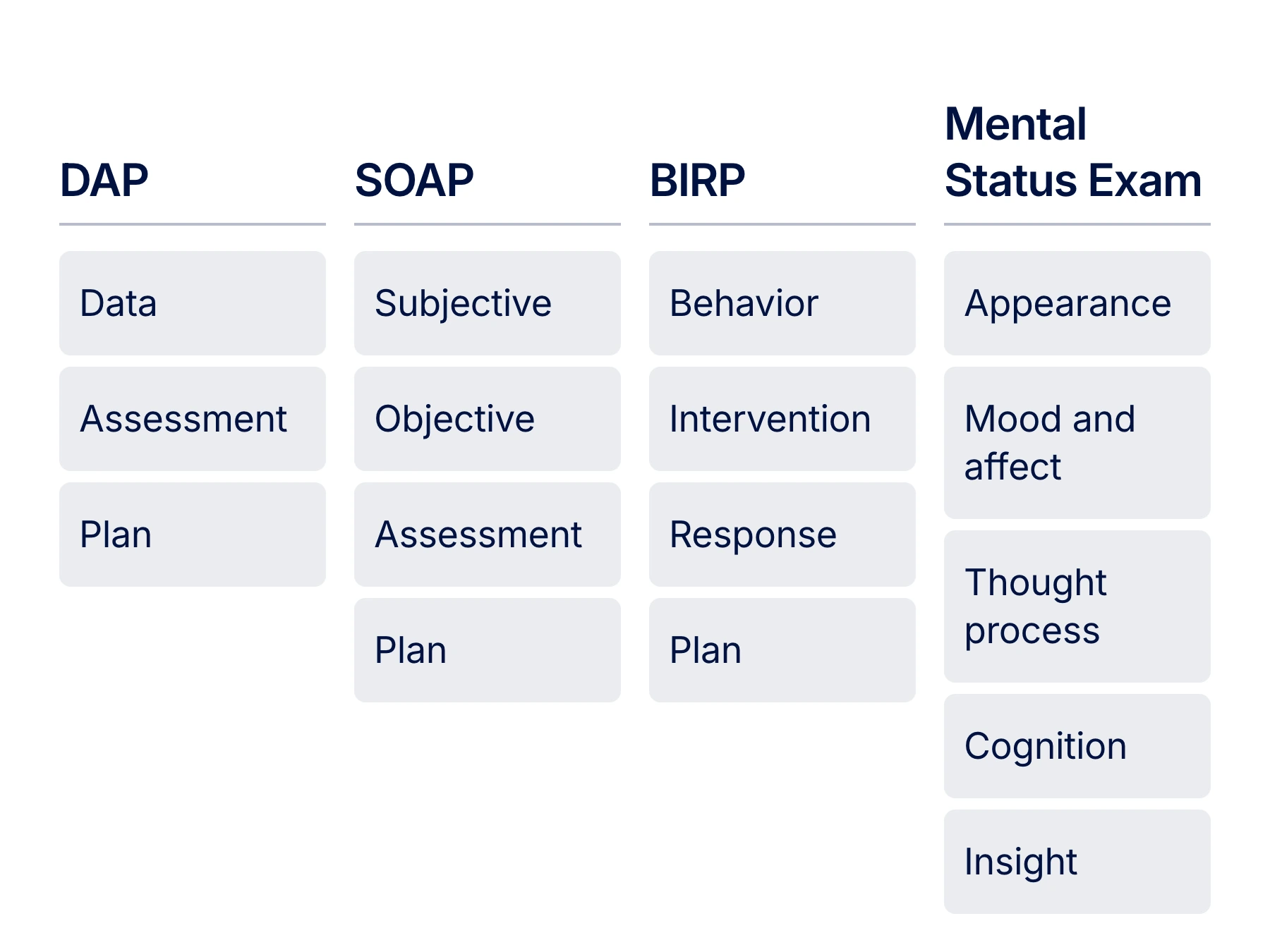
Select SOAP, DAP, or BIRP, or create sections for the notes you write in your practice.

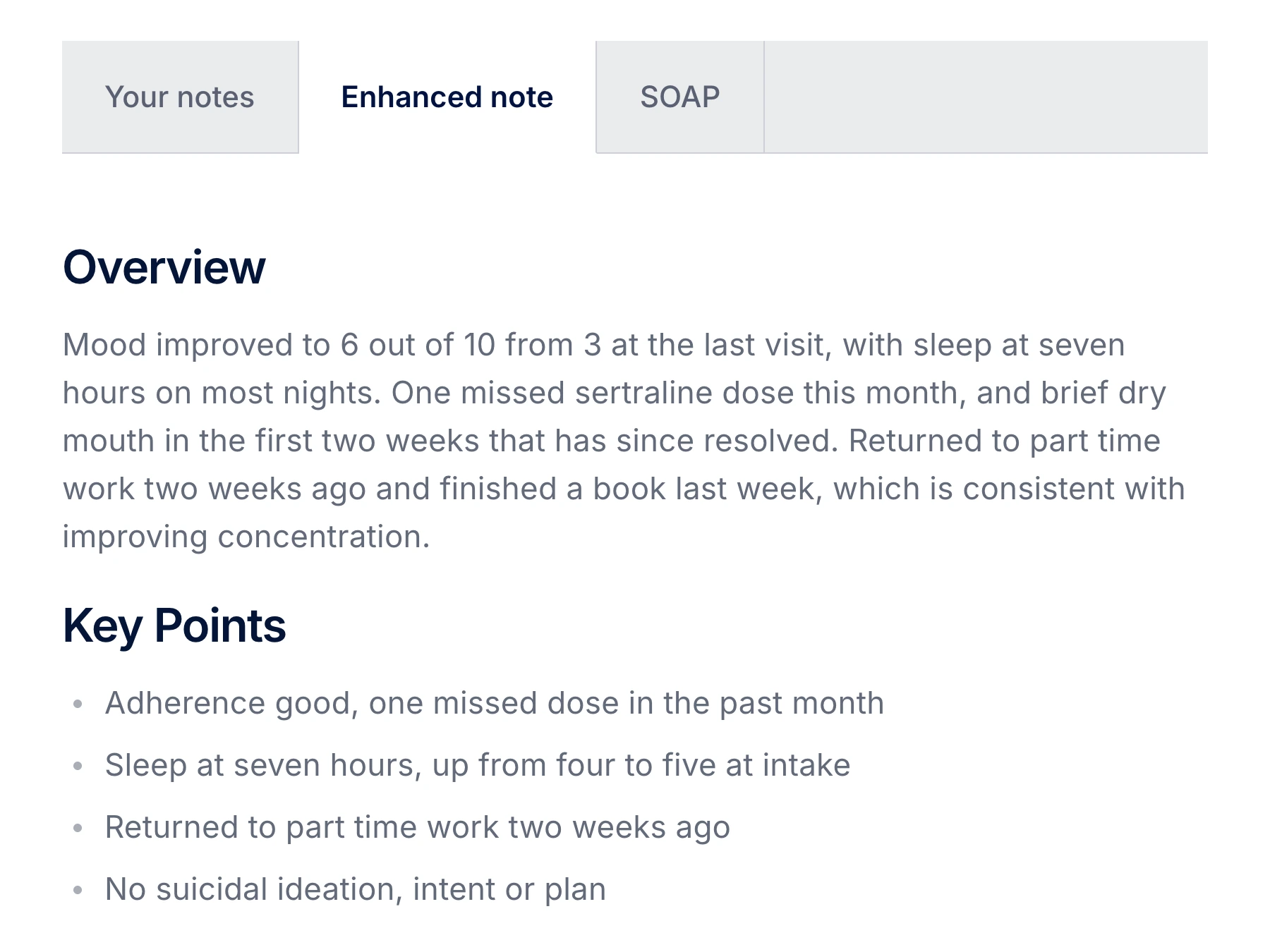
Patient reports mood improved from 3/10 to 6/10 and sleep of 7 hours most nights.
Reports 1 missed sertraline dose this month. Dry mouth resolved.
Clinician observed engagement in the discussion and noted the reported improvement.
Plan discussed: review mood and sleep in 4 weeks.
The patient reports improved mood, from 3/10 to 6/10, and 7 hours of sleep most nights. Reports 1 missed sertraline dose this month and resolution of dry mouth. Engaged in discussion. Review mood and sleep in 4 weeks.
Mood improved from 3/10 to 6/10. Sleeps 7 hours most nights. Reports 1 missed sertraline dose this month. Dry mouth resolved.
Engaged in discussion.
Patient reports improved mood and sleep.
Review mood and sleep in 4 weeks.
Reports 1 missed sertraline dose this month. Dry mouth resolved. Mood improved from 3/10 to 6/10, with 7 hours of sleep most nights.
Engaged in discussion. Other findings are not documented in this example.
Patient reports improved mood and sleep.
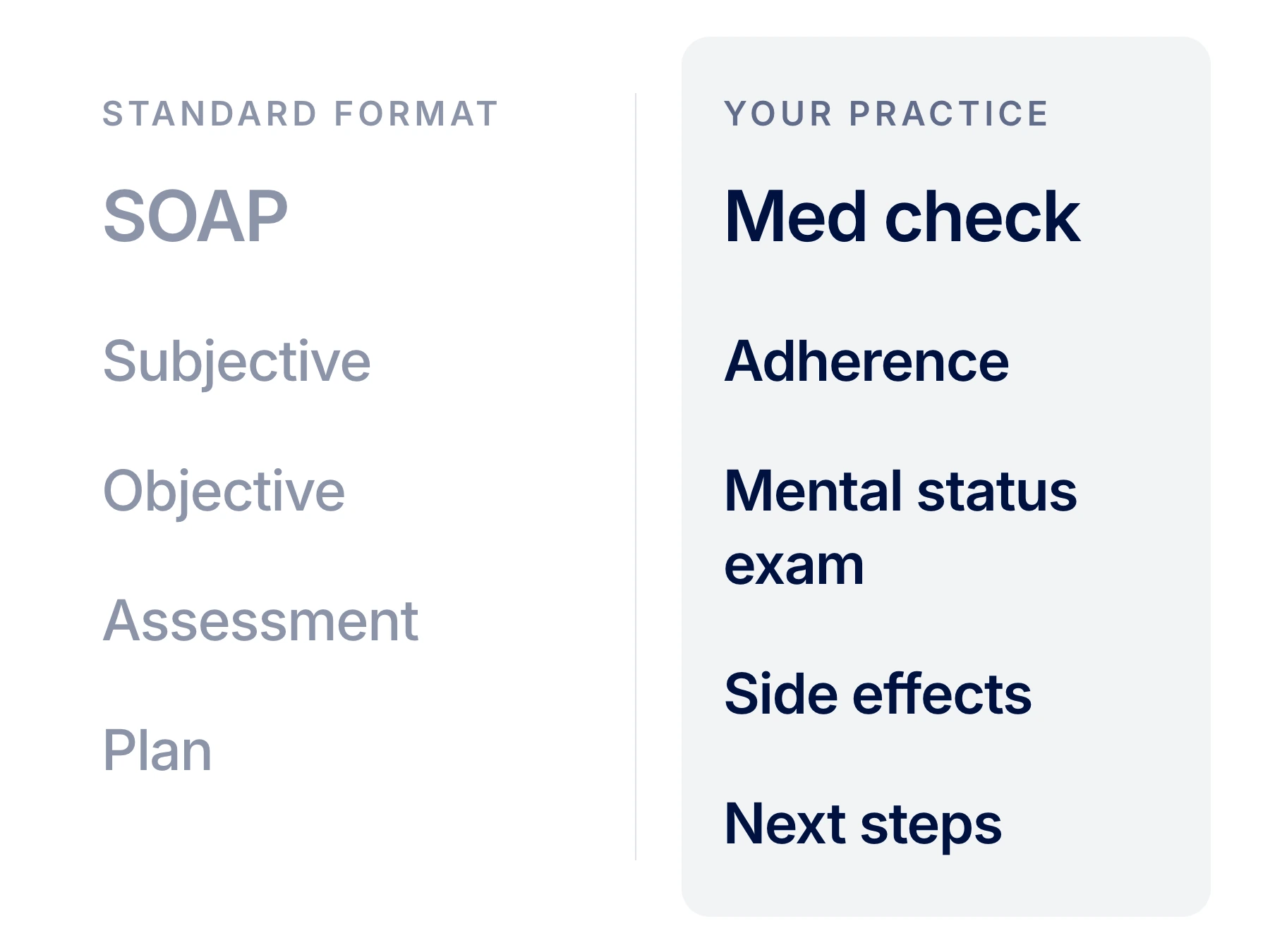
SOAP, DAP, BIRP, or the format you’ve used for years. Set the sections once, and every note comes back in that shape.
Set up the sections your practice uses for intake notes and progress notes.
Select SOAP, DAP, or BIRP, or create sections for the notes you write in your practice.
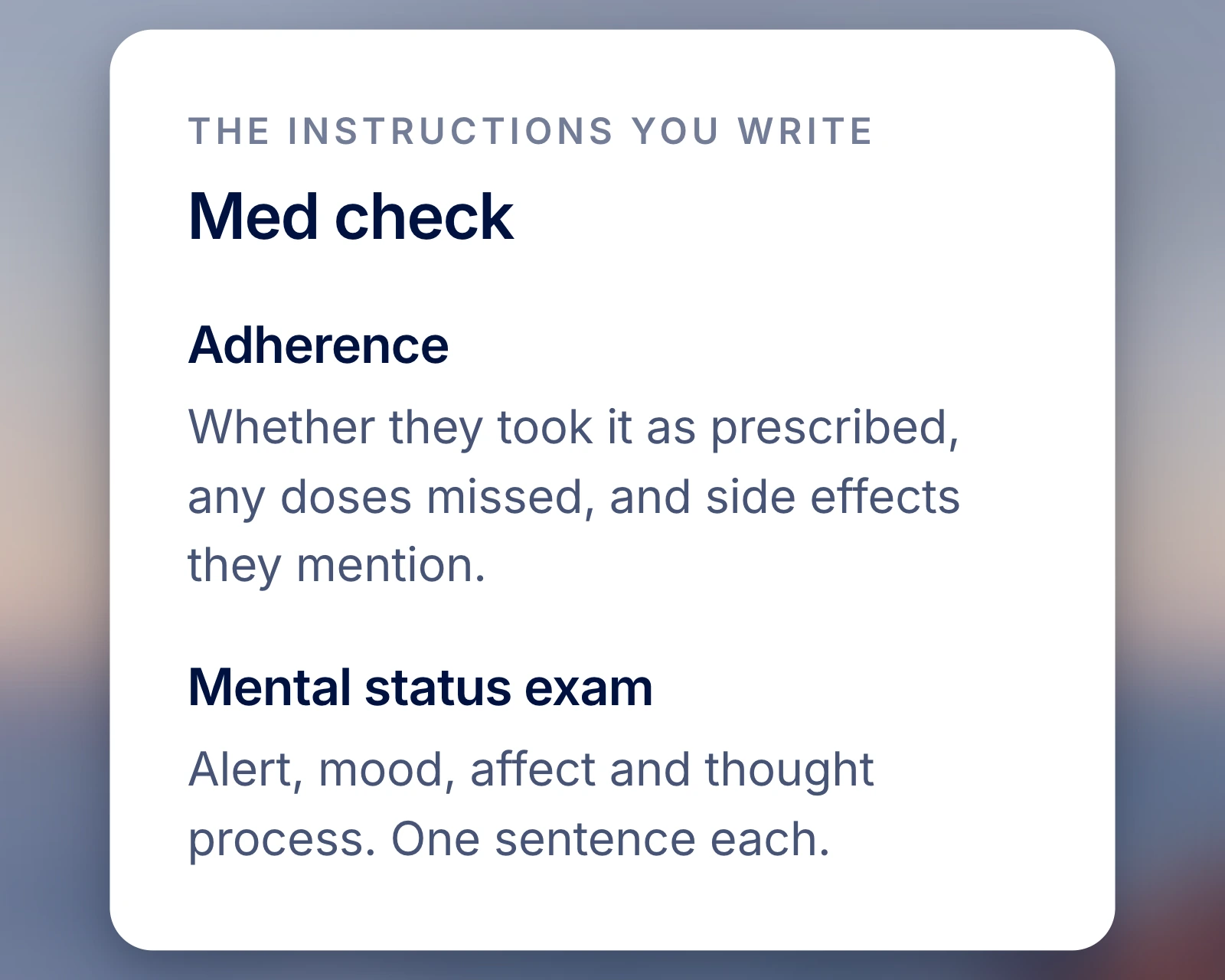
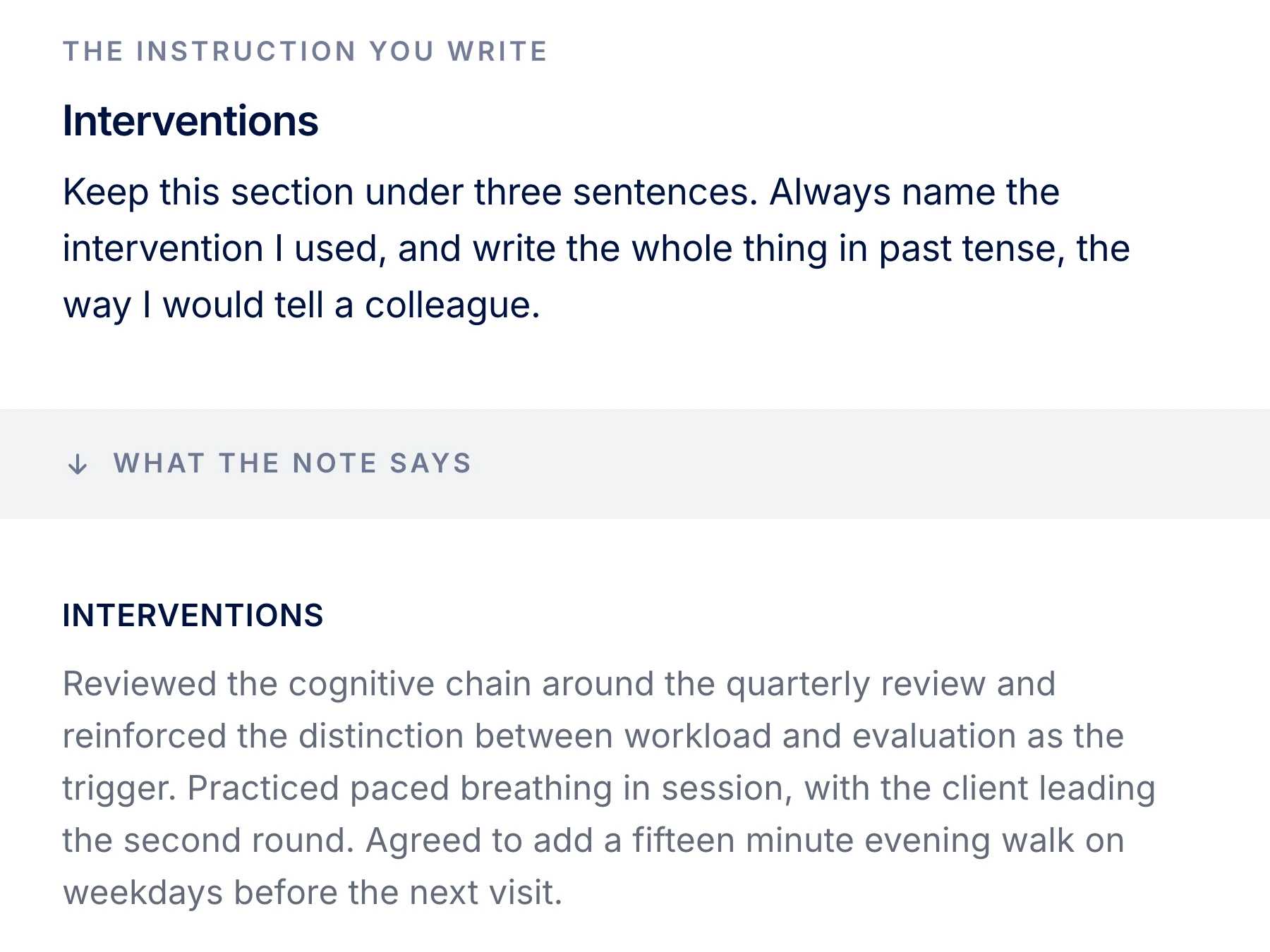
Describe what belongs in each section, such as the intervention used and the client’s response.
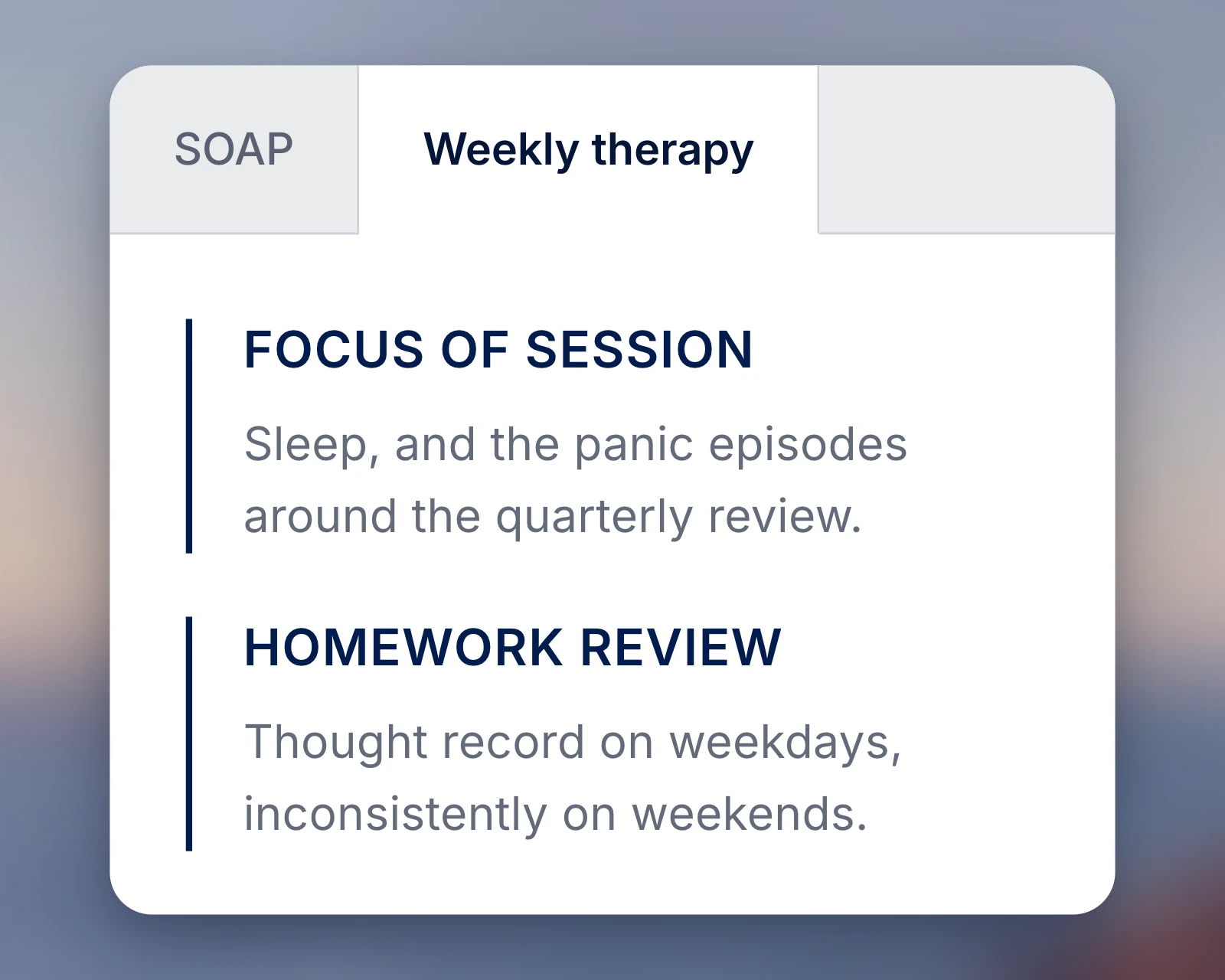
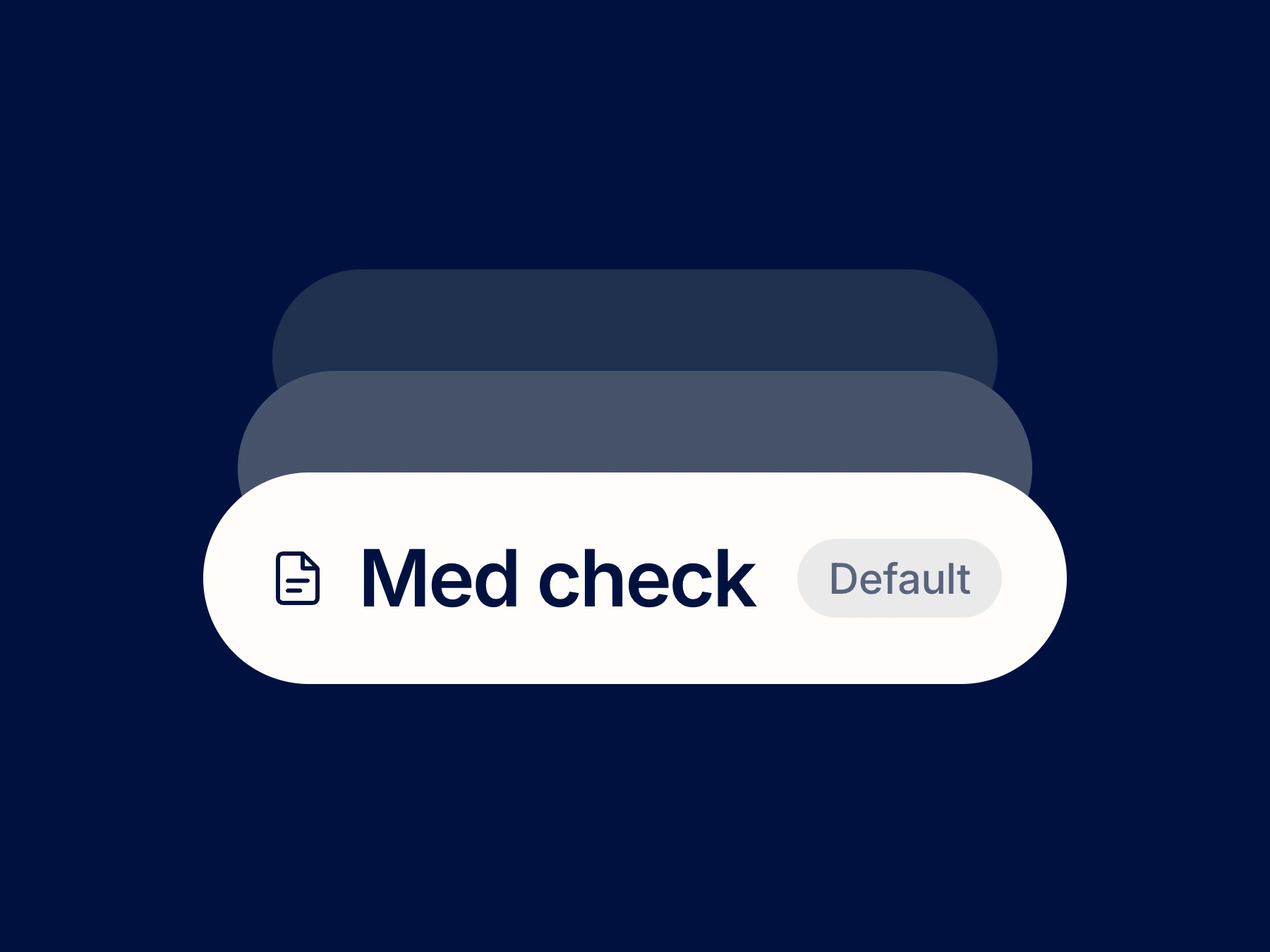
Use a sample session to see your format in action, then set the template as your default.
Choose a standard format or define the structure your practice uses.
“I used to rewrite every note into my own structure before signing. That step is just gone.”
The same session, drafted again in each format you choose.
A signed Business Associate Agreement (BAA) is included with your account.
Transcribe the conversation or dictate your findings before generating a note.
Straight answers about how ClinicFrame works, day to day.
ClinicFrame includes SOAP, DAP, and BIRP note formats, plus a template for documenting a Mental Status Exam. The exam records your clinical assessment of mental function. Its template organizes the findings you provide.
Create a template with the sections you use in your practice. For an intake note, you might include the client’s stated goals. For a progress note, specify where to document the intervention and the client’s response.
Give each section a clear instruction, such as identifying the intervention used or limiting a summary to 2 sentences. Include your clinical observations and decisions in the session information. Review the generated note to check that the instructions produced the intended result.
Choose Enhanced note for a prose summary without fixed section headings. Review the summary for the information your clinical record requires before using it.
Name the sections and write plain-language instructions for what each should contain. Use a sample session to check the result and refine the instructions before adopting the template.
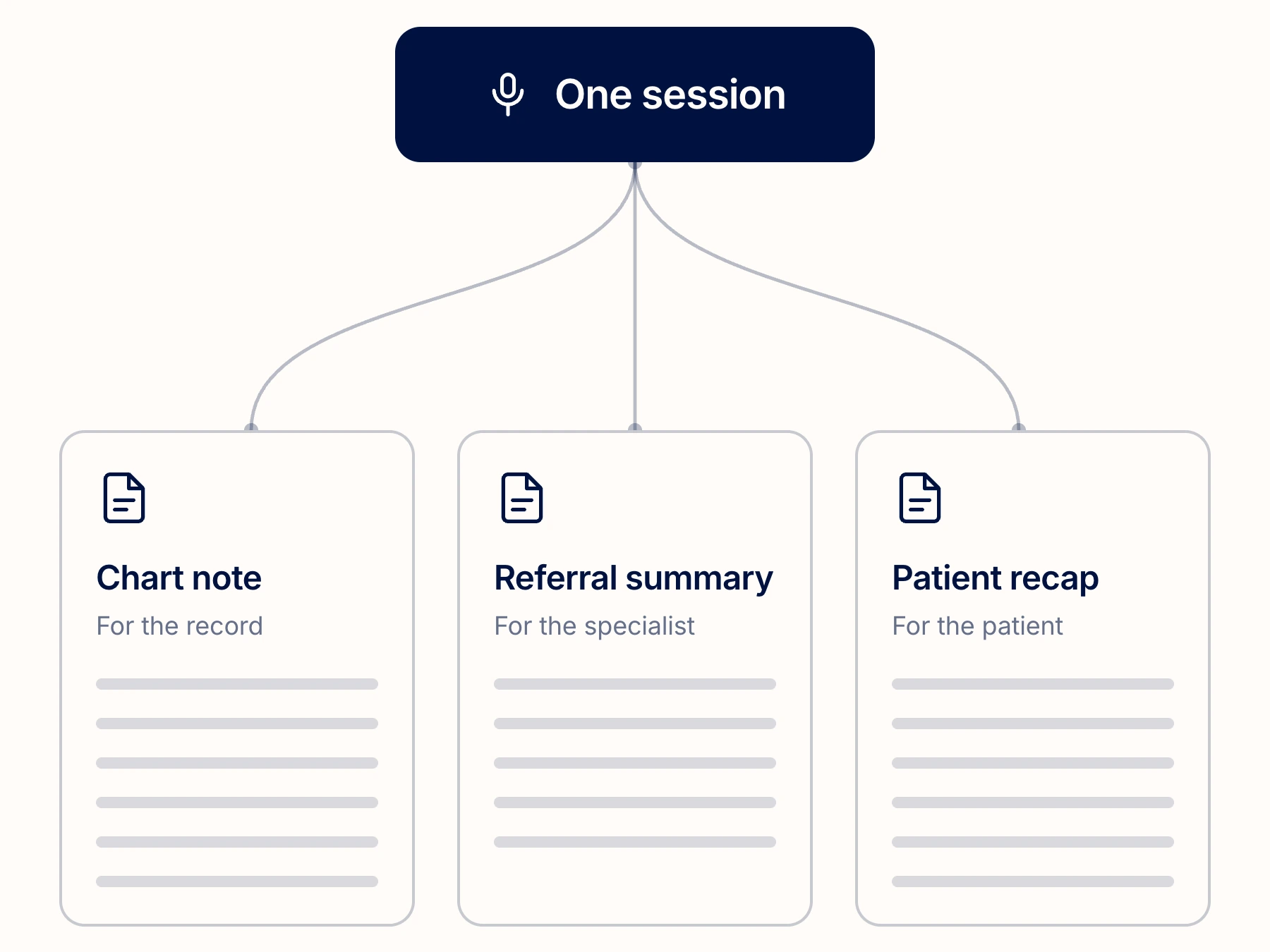
Generate a chart note, a referral summary, or a patient recap from the session, each in its own format. Review each document for its intended recipient before sharing it.
Select a note template for either a Dictation or Transcription session. The format determines the structure. The content depends on your narration or the conversation you captured, together with any clinical information you add.
Choose English or Spanish for the output. Check the clinical terminology and meaning in the generated note before using or sharing it.
Your templates follow the account, browser or desktop. The app adds notifications alongside your sessions.
Download the appMore on thisClinicFrame AI medical scribeDAP, BIRP, and SOAP comparedSOAP note examplesBIRP notes end to end