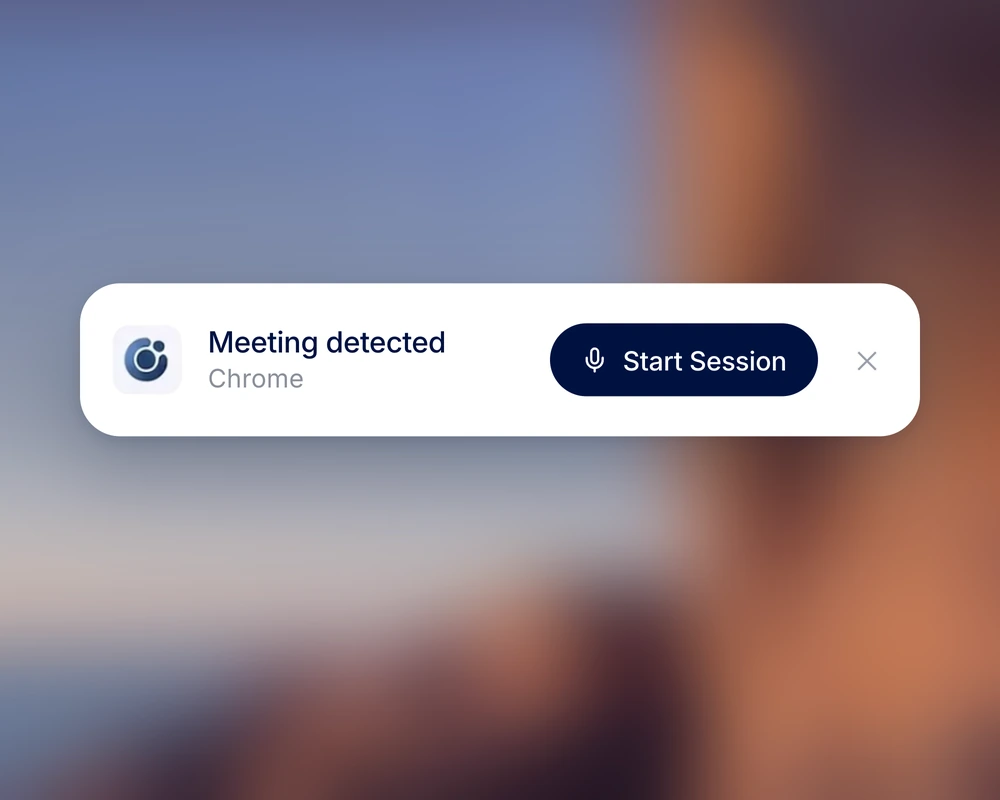
Start a session.
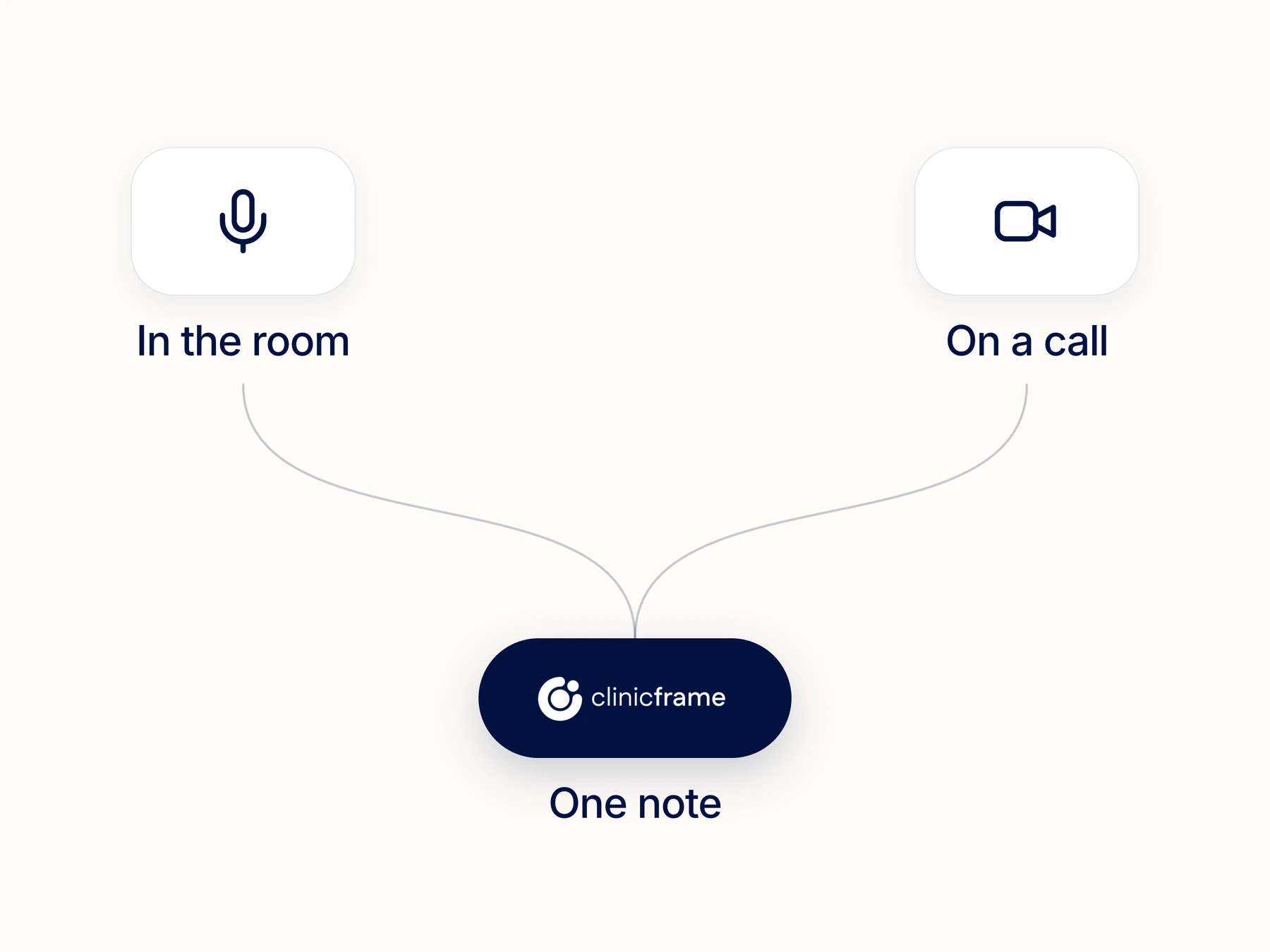
Choose in-person or telehealth and check your audio source before starting.
How have your mood and sleep been since our last visit?
My mood is a 6 out of 10, up from 3. I sleep 7 hours most nights.
Any missed sertraline doses or side effects?
I missed 1 dose this month. The dry mouth has stopped.
I’m noting the improvement you reported. We’ll review your mood and sleep in 4 weeks.
That works for me.
Mood improved to 6/10 from 3/10 at last visit. Sleeping 7 hours most nights. 1 missed sertraline dose this month. Dry mouth resolved.
No examination findings documented in this excerpt.
Patient reports improved mood and sleep.
Review mood and sleep in 4 weeks.
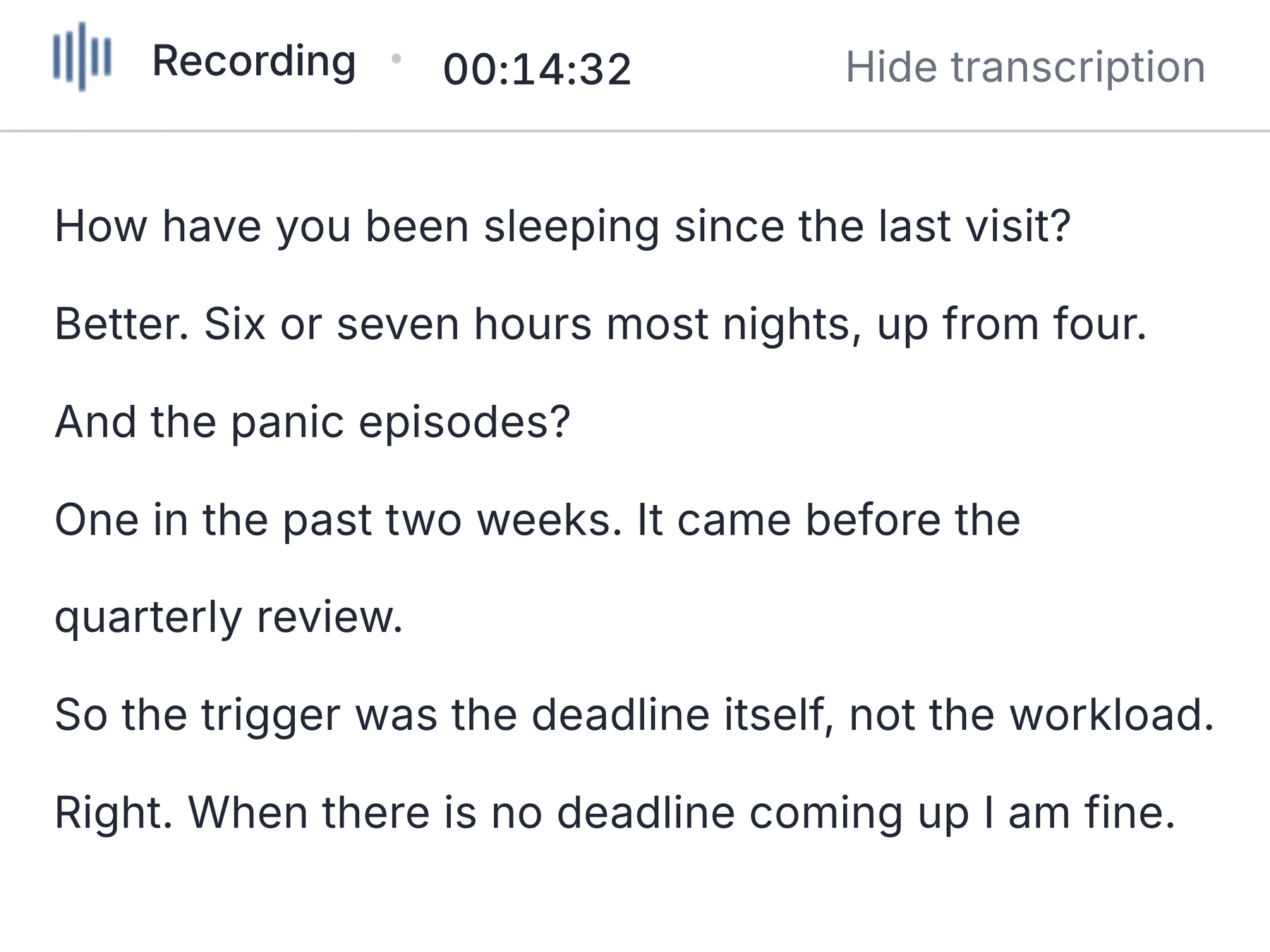
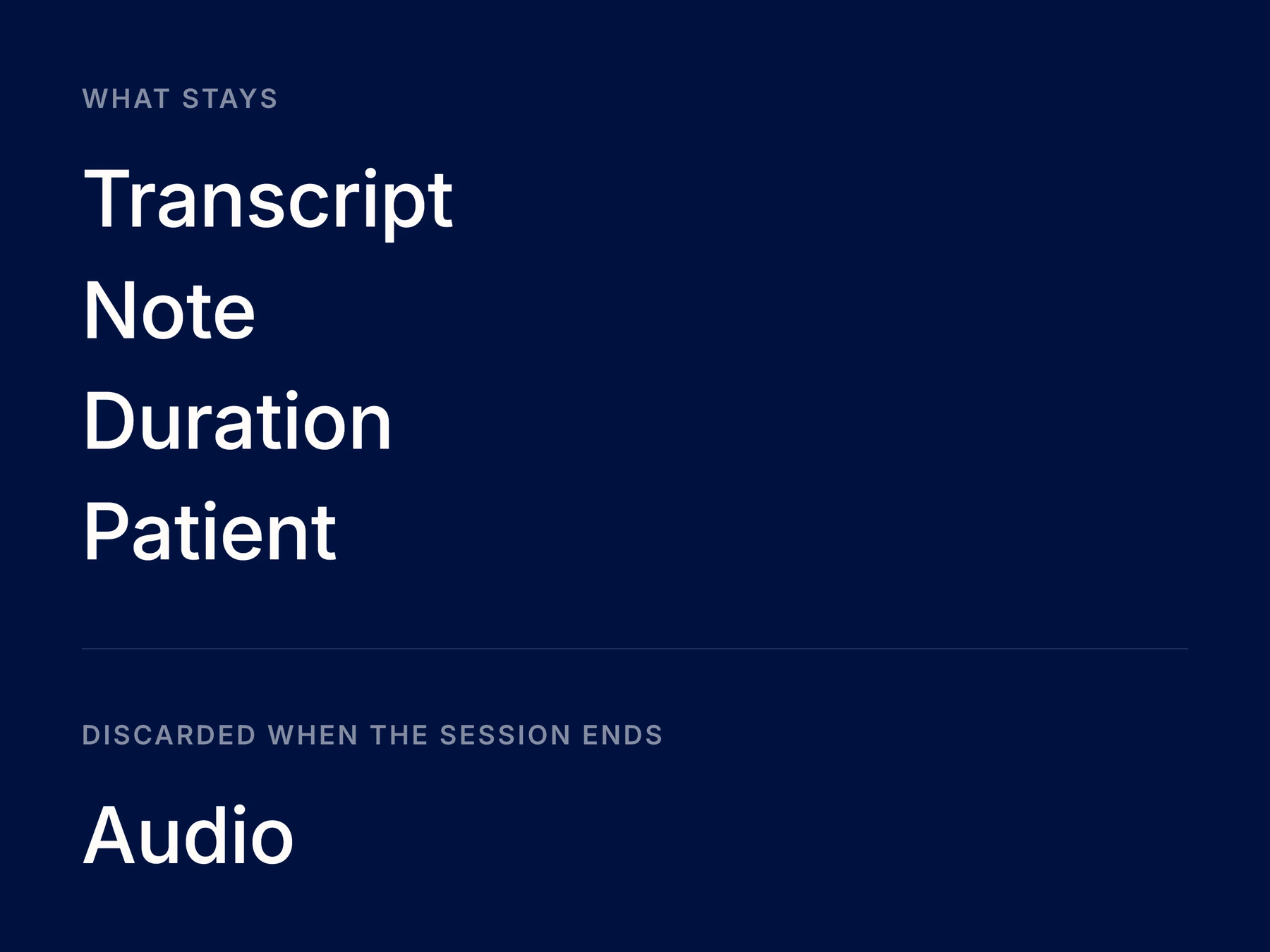
ClinicFrame transcribes the visit and drafts the note in your format. The transcript stays with it, for when you want to check a line.
Start the session, run the visit, read what came back.
Choose in-person or telehealth and check your audio source before starting.
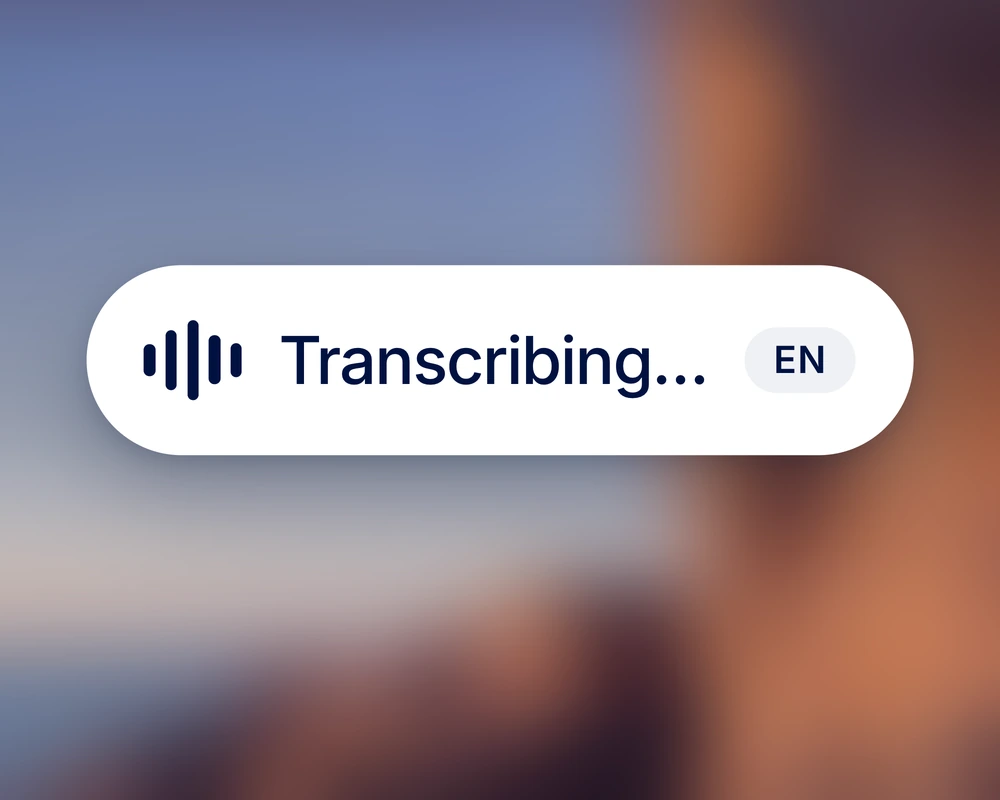
ClinicFrame transcribes the conversation while you speak with your patient.
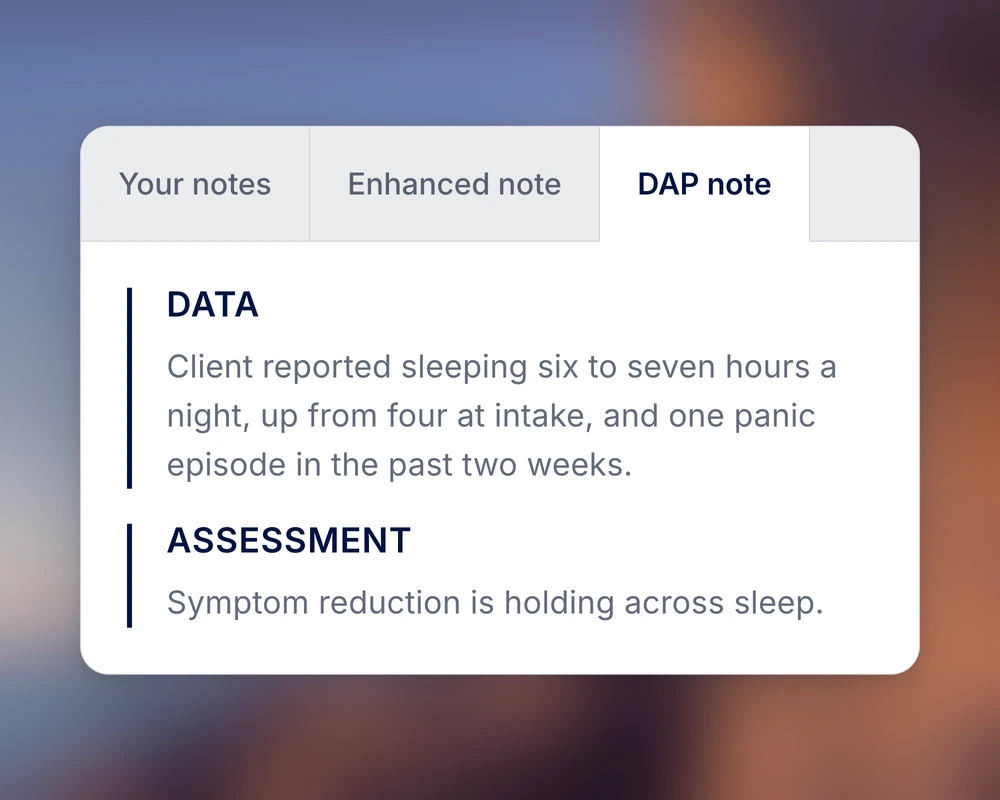
Check the note against the transcript, make corrections, and copy it into your EHR.
Telehealth audio
Transcribe telehealth visits in your browser.
For native audio capture and desktop notifications, download the ClinicFrame app.
 Zoom
Zoom Microsoft Teams
 Google Meet
 Slack huddles
 WhatsApp
 FaceTime
 Webex
Webex Meeting detectedZoomMeeting detectedMicrosoft TeamsMeeting detectedGoogle MeetMeeting detectedSlack huddleMeeting detectedWhatsAppMeeting detectedFaceTimeMeeting detectedWebexAudio detectedPhone on speakerAudio detectedVoice recordingAudio detectedAnything that playsStart session
No bot joins the call. The audio is captured on your own machine.
Get the ClinicFrame desktop app. Get native audio capture and desktop notifications for your clinical sessions.
Download the appFree with your account. Mac and Windows.When a line in the note looks off, the exact wording is one scroll away.
“My last patient of the day used to mean two more hours of notes. Now I leave when they leave.”
From the first word of the session to the note you review at the end.
A signed Business Associate Agreement (BAA) is included with your account.
Dictate after a visit, insert text in another app, or customize your note format.
Straight answers about how ClinicFrame works, day to day.
ClinicFrame combines medical transcription with an AI medical scribe. It transcribes the conversation, then drafts a clinical note from that transcript. An ambient AI scribe captures the visit as you speak with the patient. You review the draft before adding it to the medical record.
You receive both. Use the transcript to check what was said and review how ClinicFrame organized it in the note. Correct the draft before copying it into your EHR.
ClinicFrame processes visit audio in real time and discards it. You work with the transcript and notes after the session. Explain the use of transcription to the patient before starting, following your practice’s consent process.
Yes. Every ClinicFrame account signs a Business Associate Agreement (BAA), Free plan included. ClinicFrame discards the visit audio once it’s transcribed and doesn’t use patient content to train AI models.
Your session includes a transcript and clinical notes. The patient record also brings together visit summaries. These contain patient information, so follow your practice’s policies when retaining or exporting them.
Yes. ClinicFrame transcribes telehealth visits in your browser or the desktop app. A bot does not join the call. The desktop app adds native audio capture and desktop notifications.
ClinicFrame supports transcription in English and Spanish, including conversations that move between the two languages.
Accuracy varies with audio quality and the conversation. Review medication names, doses, negations, and speaker attribution in the transcript and note. A transcription score alone does not establish whether a clinical note is ready to sign.
No. You can transcribe in-person and telehealth visits in your browser. For native audio capture and desktop notifications, download the ClinicFrame app.
The desktop app adds native audio capture and desktop notifications. The browser works too, if you’d rather not install anything.
Download the appMore on thisClinicFrame AI medical scribeAI scribes and medical transcription servicesAI scribes and virtual scribesDo you need a BAA?How to evaluate AI scribe accuracy